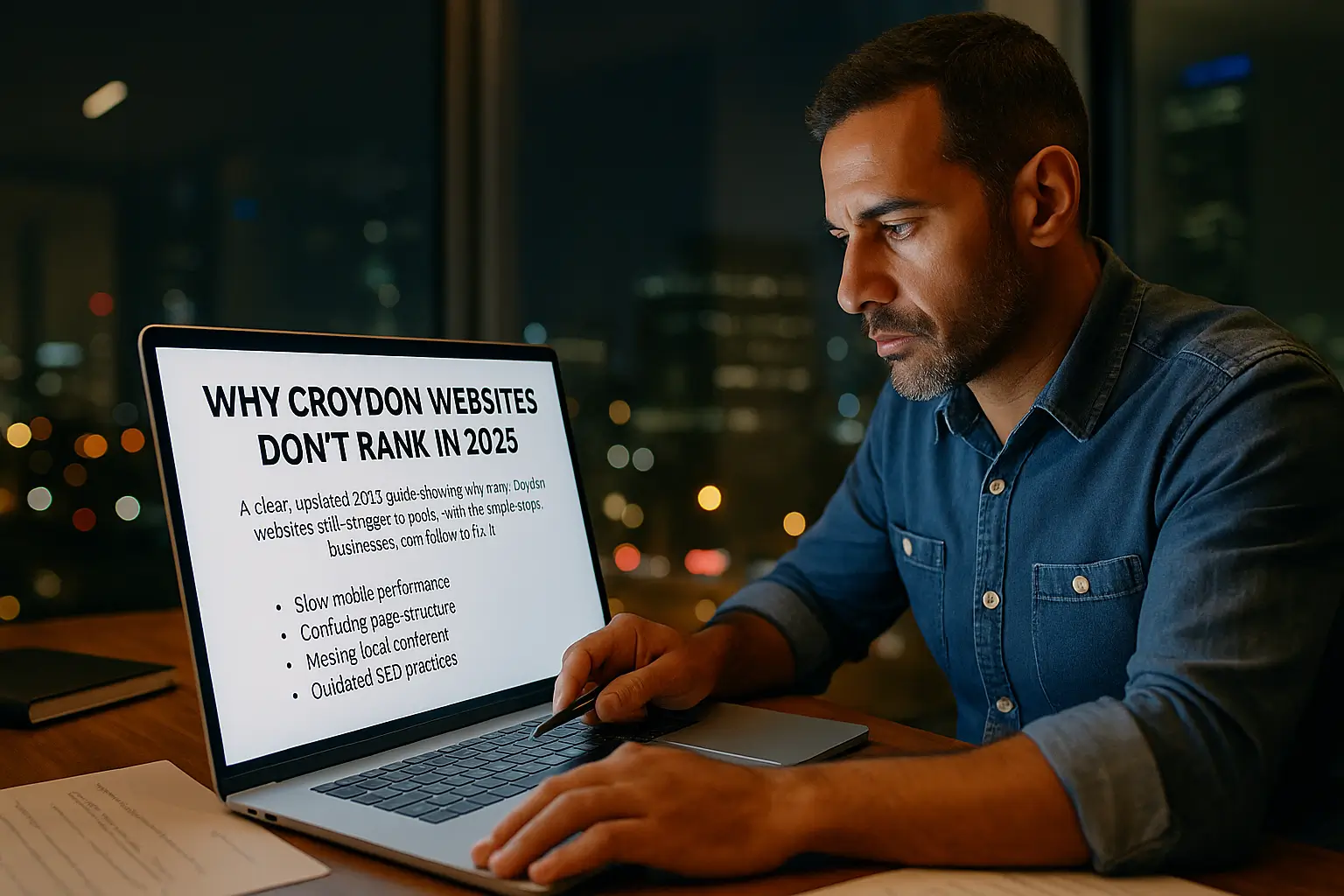

Why this keeps happening to good local businesses
You’ve paid for a website.
You search your business on Google.You see directories, big brands, maybe your Facebook page… but not your site.It feels unfair.You know your work is good.
You know customers like you.But online, it’s like you don’t exist.
Most guides online give the same surface answers. They talk about “doing SEO”, “building backlinks”, or “writing more content”. Those things matter, but for many Croydon businesses the real problems are much more basic.
Things like:
-
Google can’t see parts of your site properly
-
the site is painfully slow on a phone
-
your pages all say the same thing
-
your Google profile and website don’t match
-
there is no clear sign you are truly local
-
nobody is checking the health of the site after launch
This guide goes through all of that in plain English.
You don’t need to be technical.You just need to understand what is going wrong, and what to ask your web person to fix.
First question – can Google see you at all?
Before you worry about “ranking”, you need to know if Google can even find and save your pages.
New sites and quiet sites
If your website is brand new, it can take time before it shows up properly. Sometimes a few days. Sometimes a few weeks. Sometimes longer if nobody has linked to you yet, or if your pages are not set up correctly.
That delay is normal.But there is a difference between “still being processed” and “blocked by accident”.
Simple visibility checks you can do yourself
You can do two very quick checks:
-
Search your brand name with “Croydon”
-
If your own site does not appear at all, that’s a warning sign.
-
If only your Facebook, Yell or Bark pages appear, it means those profiles are stronger than your site.
-
-
Ask your web person to show you your site in Google’s free tools
-
They should be able to show you how many pages Google knows about.
-
If it shows “0 pages” or lots of errors, your problem starts there.
-
Common reasons Google can’t see your pages
Often the issue is simple:
-
A setting tells Google “do not save this page”
-
A file on the server blocks Google from certain sections
-
The site has no proper list of pages
-
Important pages are hard to reach
You don’t have to fix those yourself.But you do need to ask clear questions:
-
Are any of my key pages marked “do not index”?
-
Is anything blocking Google from reading the site?
-
Have we given Google a proper list of pages so it can find everything?
If the answer is vague, or nobody can show you, that is your first red flag.
Second problem – your site is too slow on a phone
Most local searches in Croydon happen on mobile. People stand on a street, search for a service, tap the first few results, and close anything that takes too long.
If your website is slow on mobile, real people leave fast.When that happens a lot, Google slowly pushes you down.
What makes Croydon sites slow in real life
Here are things we see again and again on local sites:
-
Huge images straight from a phone or camera, never compressed
-
Heavy sliders, background videos, and fancy effects
-
Cheap hosting on overloaded servers
-
Dozens of plugins added “just in case”
-
Old themes not designed for speed
The result: visitors tap your site and wait… and wait… and leave.
How to check speed without being technical
Ask your web person to show you a speed test on your homepage and a key service page.
Things to pay attention to:
-
Test mobile, not just desktop
-
Ask what is slowing things down
-
Ask how they will fix it
You don’t need to understand every graph.Just listen for practical answers like:
-
We’ll compress images
-
We’ll remove this slider
-
We’ll improve hosting
-
We’ll turn off unused plugins
If the answer is “speed doesn’t matter”, that is not correct in 2025.
Third problem – Google can’t tell what each page is really about
Google has a simple question about every page:
“What is this page for, and who should see it?”
If your pages are vague or overloaded, Google struggles to match them with the right search.
Overloaded homepages
Some local websites try to list everything they do on one page. It might look impressive, but to Google it is confusing.
A good homepage should:
-
Say who you are
-
Say where you are based
-
Say what kind of customer you serve
-
Point to clear service pages
One page = one main idea
Imagine your services:
-
Plumber in Croydon
-
Boiler servicing in Croydon
-
Emergency plumber Croydon
These are three different problems.They need three different pages.
When everything is crammed into one page with repeated wording, Google gets confused.
Fourth problem – your pages are fighting each other
This is one of the most common hidden issues.
You have several pages chasing the same search. They:
-
use similar titles
-
repeat the same paragraphs
-
target the same keyword
-
offer the same information
To you, it looks like “lots of content”.To Google, it looks like noise.
When this happens, Google often picks none of them.
How this looks on a Croydon service site
Example:
-
“Web Design Croydon” page
-
“Croydon Web Design Services” page
-
Blog post that says the same thing
-
Guide that repeats the same points
If they all sound the same, they compete against each other.
For buyers comparing different options, our guide on choosing a web designer in Croydon explains how to evaluate real experience and avoid common mistakes.
How to stop this
Use this approach:
-
Choose one main page per topic
-
Make other pages support that page
-
Don’t copy-paste wording everywhere
-
Give each blog a fresh angle
Simple example line:
“If you want to see what’s included in a full build, our Web Design Croydon page explains the full process.”
This shows Google which page is the priority.
Fifth problem – your titles and descriptions don’t make people click
Your Google Search Console already shows this clearly.
You get impressions.You get zero clicks.That means the problem is not visibility.It is attractiveness.
What real people look at when choosing what to click
When someone searches, they see:
-
a title
-
a short description
-
your domain
In seconds, they judge:
-
Is this what I need?
-
Is it local?
-
Is it clear?
-
Does it sound trustworthy?
Weak titles that hurt you
Common weak options:
-
Home – Company Name
-
Welcome to Our Website
-
Services – Company Name
These tell nobody anything.
Strong, simple titles that work
Examples:
-
“Plumber in Croydon – Fast, Reliable Same-Day Help”
-
“Web Design for Croydon Small Businesses – Simple and Affordable”
Clear. Human. Local.
Your descriptions should match this style: short, helpful, and written as if a real person was talking.
Sixth problem – your website does not look truly “local”
Google tries to show real local businesses, not generic template sites.
It looks for signs that you are truly based where you say you are.
Local signals Google checks for
-
Clear address
-
Local phone number
-
Opening hours
-
Real photos of you, your team, or your shop
-
Mentions of real areas like Selhurst, Purley, Addiscombe, Thornton Heath, Shirley
-
Reviews that sound local
If your site could belong to any town in the UK, Google knows that.
Quick local signals you can add
-
Add your real address and a map
-
Mention the areas you cover
-
Use photos taken in Croydon
-
Use reviews from local customers
-
Talk about real local problems you solve
These small touches help both Google and real people.
Seventh problem – nobody is looking after the “health” of the site
Many websites are launched and never checked again.
No one logs in.No one updates plugins.
No one checks if forms still work.No one fixes broken pages.On the surface the site “looks fine”.Under the hood, it’s falling apart.
Why this hurts rankings
Google sees:
-
broken links
-
missing pages
-
errors
-
slowdowns
-
constant changes without structure
This reduces trust.
A simple monthly health routine
You don’t need anything complicated.
Once a month:
-
Log in
-
Update plugins
-
Test forms
-
Visit key pages
-
Check if anything looks broken
-
Look at your Google reports for errors
Regular small fixes are better than rare big panics.
Eighth problem – your content is written for you, not your customer
Some sites don’t rank because the content doesn’t help real people.
It might:
-
use buzzwords
-
avoid explaining how things work
-
avoid any talk about pricing
-
repeat the same phrases everywhere
-
ignore common questions
-
use stock phrases instead of real advice
Google now rewards content that helps people clearly.
What helpful content looks like in real life
Helpful content:
-
explains things simply
-
answers real questions
-
uses examples
-
gives practical steps
-
sounds human
-
shares honest advice
If you want a full breakdown of everything a modern site needs, our SEO-ready website checklist covers all the essentials in plain English.
You don’t need fancy words.You need clarity.
A realistic action plan for Croydon businesses
Here’s a simple sequence that works.
Step 1 – Make sure Google can see you
Fix any indexing issues.Make sure no pages are blocked.
Step 2 – Improve mobile speed
Compress images.
Remove heavy designs.Upgrade hosting if needed.
Step 3 – Give each page a clear job
One page = one service.No mixing everything together.
Step 4 – Rewrite your titles and descriptions
Make them short, local and human.
Step 5 – Add local proof
Photos, address, reviews, areas served.
Step 6 – Tidy up old problems
Fix broken pages.
Remove old junk.Redirect old URLs.
Step 7 – Keep things fresh
Add useful articles.Keep your Google profile updated.
Respond to reviews.Update content when things change.
Small steady changes beat big one-off efforts.
Final thoughts – it’s not that Google hates you
Most Croydon websites don’t rank because:
-
the site was rushed
-
important settings were missed
-
pages compete with each other
-
the content is unclear
-
nobody is maintaining the site
The good news?Every one of these problems can be fixed.
If you do three things, you’ll be far ahead of most businesses:
-
Make sure Google can see and understand your pages
-
Make your site fast, clear and simple on a phone
-
Write for real people in Croydon, not robots
Do that, and your website finally becomes what you wanted:a tool that brings real customers through the door — not a quiet brochure hiding on page seven.
FAQs: Why Croydon Websites Struggle to Rank
Why is my website not showing on Google at all?
This usually happens when Google can’t see your pages properly. Your site might be new, blocked by accident, or missing key indexing settings.
How long does it take for a Croydon business website to rank?
Most new websites take a few weeks to appear, but proper ranking takes 2–3 months depending on content, speed, clarity and how well the site is maintained.
Does mobile speed affect my Google ranking?
Yes. Most local searches in Croydon happen on mobile, so slow mobile performance can push you down in the results.
Do I need separate pages for each service?
Yes. Google ranks clear, focused pages better than one big page trying to cover everything at once.
Can I fix ranking issues without hiring an SEO agency?
Yes. Many problems come from unclear pages, slow speed, missing local details or outdated settings — all things you can fix with simple guidance.