Emergency Website Fixes – 24/7 Help When Your Website is Down

Call 07821 004213 or WhatsApp us for urgent help. 24/7 UK support · Response within minutes · From £120

If your website is down or not loading, it usually means something has gone wrong in the background — not that your site is permanently broken.

This often happens suddenly and without warning. Common causes include hosting issues, expired SSL certificates, plugin or theme updates, server errors, or a small configuration change that triggered a crash.

The first thing we do is check whether the site is:

  • completely offline or partially loading

  • blocked by the server or browser security

  • affected by a recent update or change

In many cases, the issue can be identified within minutes and fixed quickly once the cause is clear.

We treat website downtime as an emergency because every minute your site is offline can mean lost enquiries, lost sales, or lost trust. That’s why website down issues are prioritised immediately as part of our 24/7 emergency website fix service.

If your site is currently not loading, showing an error, or displaying a blank page, this is usually fixable — and the sooner it’s checked, the easier it is to resolve.

Posted on Google Google
Samir Aissani profile picture
Samir Aissani
Google star 1Google star 2Google star 3Google star 4Google star 5Trustindex verifies that the original source of the review is Google.
Core Web UK provided an excellent emergency web design service when I needed urgent help with my website. They responded quickly, fixed the problem professionally, and got everything working again without delay. Reliable, knowledgeable and highly recommended.
Posted on Google Google
simon roche profile picture
simon roche
Google star 1Google star 2Google star 3Google star 4Google star 5Trustindex verifies that the original source of the review is Google.
Excellent service from Toufik. We had a difficult and time-sensitive issue with our WooCommerce checkout involving Stripe and 3D Secure payments. Toufik responded quickly, understood the problem straight away and took a careful, methodical approach to diagnosing it. What I particularly appreciated was that he didn't just start changing things blindly. He checked the Stripe configuration, caching, checkout settings and payment flow, carried out test transactions, and made sure everything was working correctly. Communication was excellent throughout, and he explained what he was doing clearly. We were back up and running quickly, which was extremely important for an ecommerce business. Very knowledgeable with WordPress, WooCommerce and Stripe, professional and trustworthy. I wouldn't hesitate to use Toufik again or recommend him to anyone experiencing WooCommerce payment or checkout problems. 5 stars — highly recommended.
Posted on Google Google
Ouissam Hajerssi profile picture
Ouissam Hajerssi
Google star 1Google star 2Google star 3Google star 4Google star 5Trustindex verifies that the original source of the review is Google.
My website suddenly went down and it was an emergency. I got in touch with Core Web UK and he responded quickly, found the problem and got everything back up and running. He also improved the website speed and performance. Brilliant service, very knowledgeable and reliable. I’d definitely recommend him.
Posted on Google Google
thegreenscorpion Makhlouf profile picture
thegreenscorpion Makhlouf
Google star 1Google star 2Google star 3Google star 4Google star 5Trustindex verifies that the original source of the review is Google.
Core Web Design helped me massively when my website went down unexpectedly. It was an emergency, and they responded quickly, identified the problem, and got everything working again. They were professional, reliable, and kept me updated throughout. I really appreciate their support and would highly recommend them.
Posted on Google Google
Nadjib Lekhal profile picture
Nadjib Lekhal
Google star 1Google star 2Google star 3Google star 4Google star 5Trustindex verifies that the original source of the review is Google.
Excellent service from Core Web UK. They redesigned and migrated my locksmith website to WordPress, improved the speed, structure and SEO, and made sure everything worked properly throughout the process. Communication was clear, professional and honest, and they always took the time to explain each step. I’m already seeing better impressions and performance from the new website. Highly recommended for web design and SEO.
Posted on Google Google
Ahmed Abbas profile picture
Ahmed Abbas
Google star 1Google star 2Google star 3Google star 4Google star 5Trustindex verifies that the original source of the review is Google.
Fantastic experience from beginning to end. The team designed a modern, professional website that looks great and works perfectly on all devices. They listened carefully to my requirements, communicated throughout the project, and delivered everything on time. Their attention to detail and willingness to make changes made the whole process smooth and stress-free. I’m delighted with the final result and would highly recommend them to anyone looking for a high-quality website.
Posted on Google Google
Ame Ami profile picture
Ame Ami
Google star 1Google star 2Google star 3Google star 4Google star 5Trustindex verifies that the original source of the review is Google.
I’m very happy with the website Core Web UK built for my construction business. The design looks professional, clean, and easy for customers to use. They understood what I needed, explained everything clearly, and delivered a website that represents my business properly. The communication was good throughout the process, and they were helpful with changes and advice. I would definitely recommend Core Web UK to anyone looking for a reliable web design company.
Posted on Google Google
Mahdi Makhlouf profile picture
Mahdi Makhlouf
Google star 1Google star 2Google star 3Google star 4Google star 5Trustindex verifies that the original source of the review is Google.
I had a great experience with Core Web UK. Mahdi has been very helpful, professional and honest throughout the process. He took time to understand my business, my website goals and my SEO needs properly. What I appreciate most is that he explains everything clearly and gives practical advice, not just design work. He is helping me improve the website structure, local SEO, speed and overall professional look of the site. Highly recommended for anyone looking for web design and SEO support from someone who actually cares about the business.
Posted on Google Google
Sam profile picture
Sam
Google star 1Google star 2Google star 3Google star 4Google star 5Trustindex verifies that the original source of the review is Google.
had a very good experience with Core Web UK. He is professional, honest and very helpful. He explained the web design and SEO side clearly and gave me good advice for my business website. It’s nice to deal with someone who understands local businesses and takes the time to help properly. Highly recommended.
Posted on Google Google
Amin profile picture
Amin
Google star 1Google star 2Google star 3Google star 4Google star 5Trustindex verifies that the original source of the review is Google.
Core Web UK helped me quickly when my website had issues. Very professional, clear communication, and very cost-effective for the quality of work. If you need website help or emergency website fixes in Croydon, I highly recommend them.

Emergency website fixes are provided 24 hours a day, 7 days a week, including nights, weekends, and holidays.

All emergency work is charged as a one-off service. Pricing depends on the issue, urgency, and time required.

Emergency issueWhat’s involvedResponse & fix timePrice range24/7 support
Website down / not loadingServer checks, error diagnosis, restore accessResponse within minutes
Fix: 30–90 minutes
From £120Yes
500 Internal Server ErrorCode, database, or configuration faultResponse within minutes
Fix: 30–90 minutes
From £120Yes
503 Service UnavailableServer overload, maintenance issuesResponse within minutes
Fix: 45–120 minutes
From £150Yes
WordPress critical errorPlugin/theme/memory conflictResponse within minutes
Fix: 45–120 minutes
From £120Yes
White screen of deathConflict isolation & recoveryResponse within minutes
Fix: 45–120 minutes
From £120Yes
Contact form not workingSMTP / email delivery fixResponse within minutes
Fix: 30–60 minutes
From £120Yes
SSL / Not secure warningSSL renewal & HTTPS fixResponse within minutes
Fix: 30–60 minutes
From £120Yes
Website hacked / malwareCleanup, removal, restoreResponse within minutes
Fix: 1–3 hours
From £180Yes
Suspicious redirectsHack detection & removalResponse within minutes
Fix: 1–3 hours
From £180Yes
Broken pages / 404 errorsFix links & restore pagesResponse within minutes
Fix: 30–90 minutes
From £120Yes
Multiple urgent issuesFull emergency stabilisationResponse within minutes
Fix: 2–4 hours
£250 – £300Yes
Error establishing database connectionDatabase/server diagnosisResponse within minutes
Fix: 45–120 minutes
From £150Yes
502 Bad GatewayServer/upstream diagnosisResponse within minutes
Fix: 45–120 minutes
From £150Yes
504 Gateway TimeoutTimeout/resource diagnosisResponse within minutes
Fix: 45–120 minutes
From £150Yes
403 ForbiddenAccess/firewall/permission checkResponse within minutes
Fix: 30–90 minutes
From £120Yes
Broken after plugin/theme updateConflict isolation/rollbackResponse within minutes
Fix: 45-120 minutes
From £150Yes
Stuck maintenance modeUpdate recoveryResponse within minutes
Fix: 30–60 minutes
From £120Yes
Elementor 500 / save errorPHP/server/plugin diagnosisResponse within minutes
Fix: 45–120 minutes
From £150Yes
Too many redirectsRedirect/SSL/CDN diagnosisResponse within minutes
Fix: 30–90 minutes
From £120Yes
Migration / DNS failureHosting/DNS/database checksResponse within minutes
Fix: 1–3 hours
From £150Yes
WooCommerce / Stripe failureCheckout/payment diagnosticsResponse within minutes
Fix: 1–3 hours
From £180Yes
WooCommerce emails not sendingOrder email/SMTP diagnosticsResponse within minutes
Fix: 30–90 minutes
From £120Yes
Backup restore / rollbackRecovery assessmentResponse within minutes
Fix: 1–3 hours
From £150Yes

How Emergency Website Repair Works

Emergency website repairs are handled through a simple, priority-based process designed to resolve urgent issues as quickly and safely as possible.

No Fix No Fee

When This Emergency Service Is Not Suitable

1. Get in touch immediately

You contact us by phone or book emergency repair online. Emergency requests are prioritised 24/7, including nights and weekends.

2. Secure access and quick review

Once contact is made, we confirm what access is needed to investigate the issue. This may include website admin access, hosting control panel access, or Cloudflare/DNS access, depending on the problem.

3. Diagnose the issue and explain next steps

We identify what caused the problem and explain what can be fixed, how long it’s likely to take, and the cost involved before proceeding.

4. Apply the emergency fix and confirm resolution
The issue is fixed or stabilised as quickly as possible. Once resolved, we confirm the website is accessible and functioning again.

For emergency repairs, we operate on a no fix, no fee basis.
If the issue cannot be resolved after investigation, you won’t be charged for the emergency fix.

Emergency response means rapid review and action. Resolution time depends on the issue, platform, and access available.
The First 15 Minutes: What to Expect

When your platform drops, every second counts. We immediately initiate a lockdown and diagnostic protocol to stop further disruption and clear up the chaos.

  • Instant Verification: We instantly analyze whether the platform is completely dark, partially rendering, or blocked by browser security.

  • Deep-Dive Investigation: As soon as access is granted, we audit your latest server error logs, recent plugin updates, and SSL status to catch the culprit.

  • Actionable Clarity: If the fix is straightforward, we apply it on the spot. If it requires deeper server-level architecture changes, you get an immediate breakdown so you are never left guessing.

No Fix, No Fee Guarantee: We operate on a strict performance-based model for emergency interventions. If we cannot resolve or safely stabilize the underlying technical issue after our investigation, you won’t owe us a dime.

Emergency Website Repairs

Fast, reliable fixes any time you need them. When your website encounters a critical issue, we step in immediately to stabilize your system, protect your data, and minimize revenue loss without the guesswork.

  • Site Crashes: Immediate response to neutralize downtime and get your platform back online safely.

  • Security Breaches: We patch vulnerabilities instantly to isolate threats and protect your sensitive data.

  • Bug Fixes: Swift, precise corrections to resolve broken elements and keep your site running smoothly.

WordPress Site Down or Showing a Critical Error

If your WordPress site is down or showing a critical error message, it usually means something has broken during an update, plugin change, theme conflict, or server issue. These problems often look serious, but they are typically caused by a single misconfiguration rather than permanent damage.

  • Critical Errors: Immediate resolution for the dreaded “There has been a critical error on this website” screen.

  • White Screen of Death: Rapid diagnostic testing to recover sites showing a completely blank white page.

  • Broken Updates: Swift rollback and patching of conflicts triggered by recent plugin or theme updates.

  • Locked Admin Panels: Restoring instant access to your dashboard when the login area is freezing or constantly refreshing.
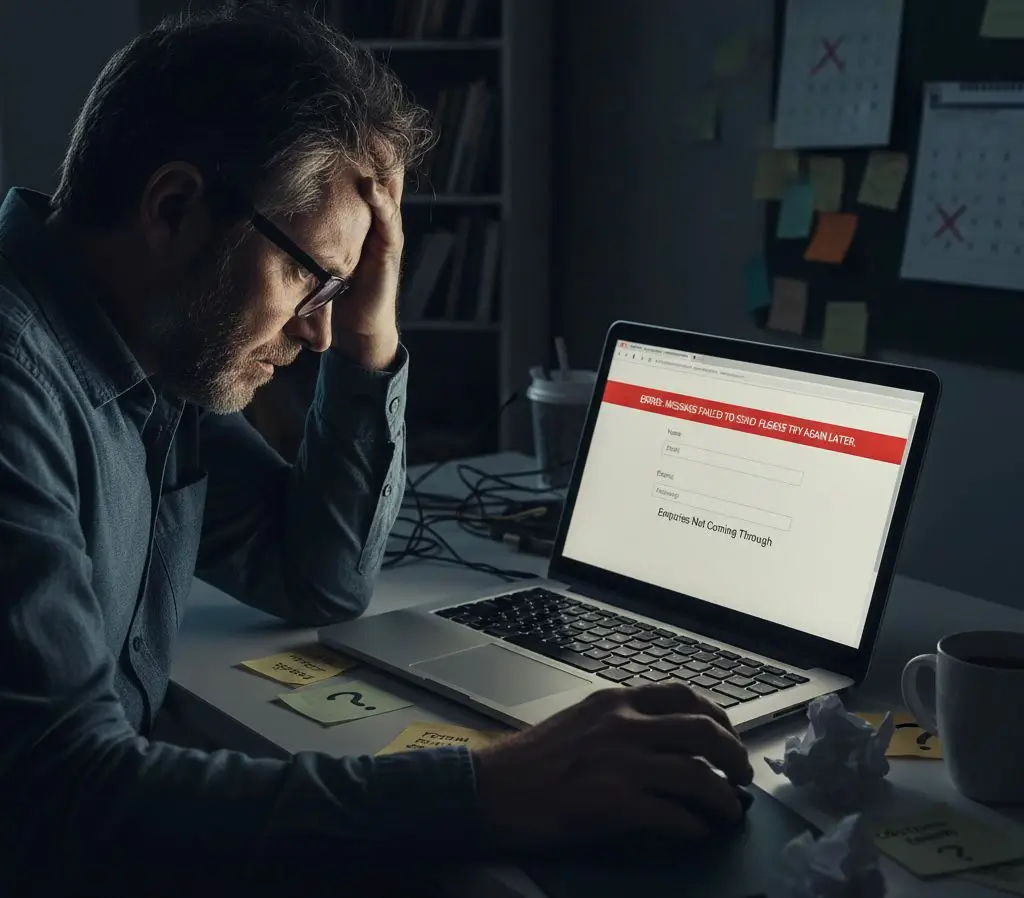
Contact Form Not Working or Enquiries Not Coming Through

When your contact form stops working, the problem is often completely invisible, making it especially stressful. Your website looks completely fine, but behind the scenes, a recent update, hosting change, or security adjustment is quietly blocking your customers’ messages from reaching you.

  • Undetected Form Failures: Immediate testing and resolution for when forms submit without confirmation or enquiries suddenly dry up without warning.

  • Email Delivery Issues: Rapid troubleshooting for broken form plugins, misconfigured recipient settings, or email server drops.

  • Spam Filter & CAPTCHA Conflicts: Swift corrections for over-aggressive spam filters or broken reCAPTCHA setups that are trapping legitimate leads.

  • Lead Revenue Protection: Priority fixes to restore your incoming messages reliably, ensuring you never miss a sale or damage customer trust.
Website Hacked or Security Warning Showing

If your WordPress site is down or showing a critical error message, it usually means something has broken during an update, plugin change, theme conflict, or server issue. These problems often look serious, but they are typically caused by a single misconfiguration rather than permanent damage.

  • Critical Errors: Immediate resolution for the dreaded “There has been a critical error on this website” screen.

  • White Screen of Death: Rapid diagnostic testing to recover sites showing a completely blank white page.

  • Broken Updates: Swift rollback and patching of conflicts triggered by recent plugin or theme updates.

  • Locked Admin Panels: Restoring instant access to your dashboard when the login area is freezing or constantly refreshing.

  • Hacked / malware

    • WordPress hacked
    • WordPress malware removal
    • hacked WordPress website
    • WordPress redirect virus
    • WordPress security warning
    • WordPress malware cleanup

Trusted by Local Businesses in Croydon and Across the UK

epc net logo
gtmax logo
fast epc logo
gsn logo
samri log

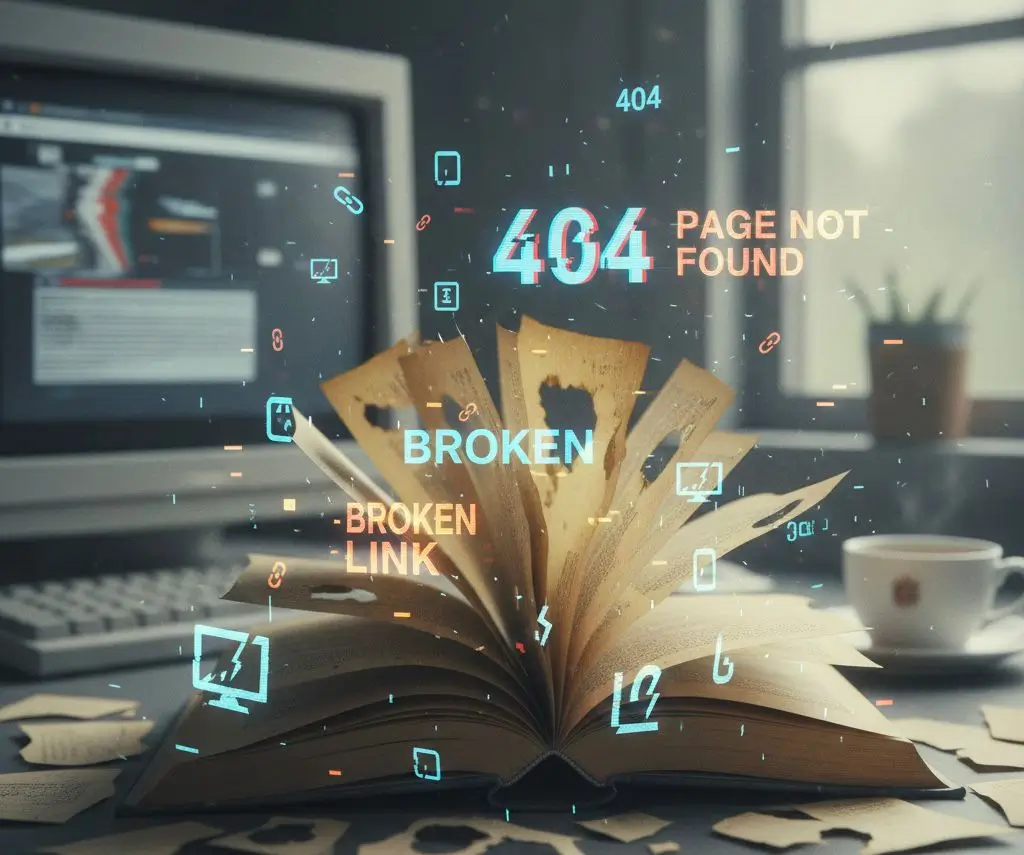
Broken Pages or 404 Errors

Broken pages or 404 errors happen when a page no longer exists at the address visitors or search engines are trying to reach, leaving them stranded at a dead end. Because these errors don’t bring down the whole site, they often go unnoticed for long periods while quietly frustrating users and damaging your search visibility.

  • Page & URL Shifts: Rapid remediation for broken links caused by renamed pages, deleted content, or sudden URL structure changes.

  • Migration Malfunctions: Swift fixes for broken paths and widespread errors left behind after a website redesign or server migration.

  • Traffic Redirecting: Seamless setup of permanent redirects to ensure old indexed links safely route traffic and search rankings to active pages.

  • Credibility Rescue: Priority tracing to eliminate “Page Not Found” messages, protecting your user experience and keeping potential clients from leaving.
WooCommerce Checkout Error or Payment Failure

When your WooCommerce checkout fails, your website might look perfectly normal while your sales completely grind to a halt. This is one of the most damaging issues an online store can face, usually triggered by an aggressive plugin update, payment gateway conflict, or server-side communication error that silently blocks transactions.

  • Freezing Checkout Pages: Immediate intervention to resolve spinning loops, unresponsive buttons, or checkout pages that fail to load entirely.

  • Payment Gateway Failures: Rapid debugging of communication links between WooCommerce and your payment providers (like Stripe or PayPal) to fix unexpected errors at checkout.

  • Post-Update Order Glitches: Swift rollbacks and patches for broken carts and missing dashboard orders caused by recent system updates.

  • Revenue Protection: Priority diagnostics to stop sudden cart abandonment, instantly restoring your checkout flow so you don’t lose another sale.

Website Running Extremely Slow

When your website slows to a crawl or constantly times out, it damages conversions just as badly as a complete outage because visitors leave within seconds. These performance drops usually signal an early warning of a deeper issue, often triggered by a sudden traffic spike, exhausted server resources, or a bloated plugin conflict after an update.

  • Extreme Load Delays: Rapid analysis and fix deployment for pages that take several seconds to render or freeze mid-load.

  • Hanging Forms & Carts: Immediate optimization to stop contact forms and checkout pipelines from spinning or failing under resource limits.

  • Unstable Server Responses: Swift troubleshooting for websites that fluctuate between loading fine and timing out entirely.

  • Resource Bottlenecking: Priority tracking of database overloads and malicious background processes to instantly stabilize loading speeds and salvage your traffic.
Locked Out of Website or Admin Area

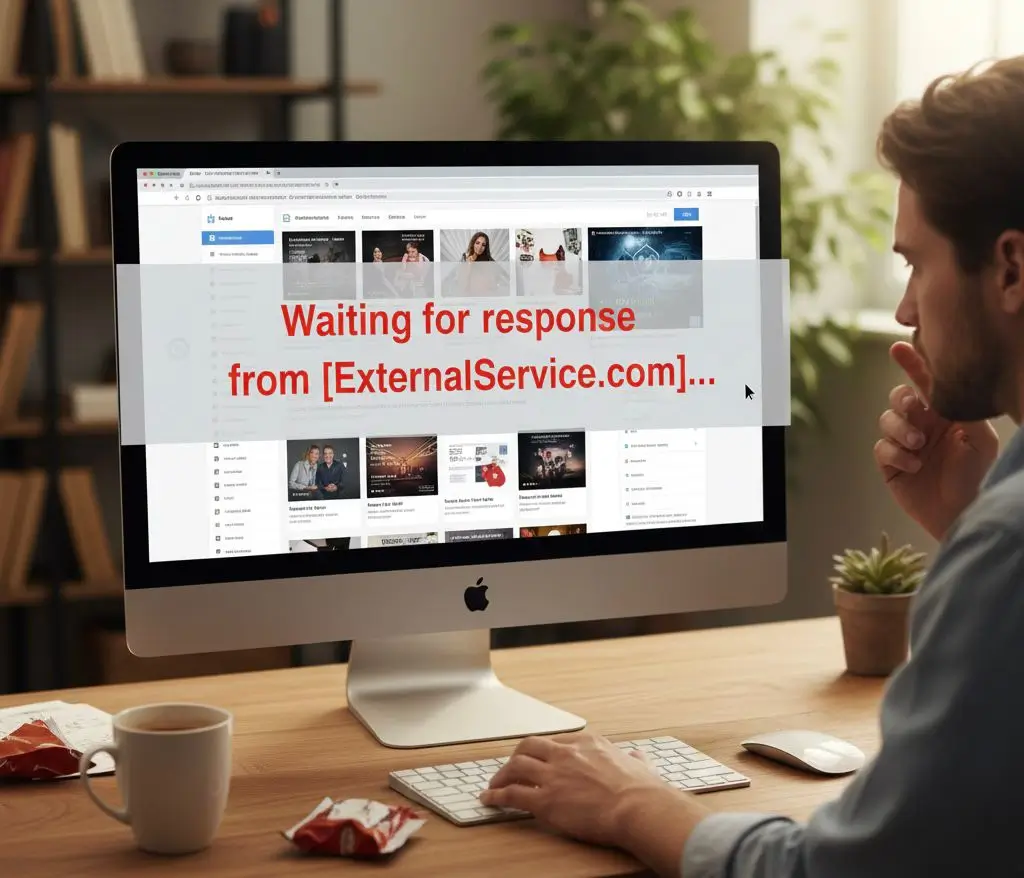
Being locked out of your website admin area is highly stressful, especially when urgent updates or fixes are pending. This sudden loss of control rarely means your data is permanently lost; instead, it is typically caused by over-aggressive security plugins, broken login redirects, or database mismatches following a recent system update.

  • Dashboard Lockouts: Immediate intervention to bypass broken login pages, endless refresh loops, and unexpected hosting-level IP blocks.

  • Account Recovery: Rapid restoration of missing, disabled, or locked admin profiles directly through secure database and server-level access.

  • Security Plugin Overrides: Swift resets of malfunctioning firewall settings or faulty two-factor authentication loops that are trapping legitimate administrators.

  • Control Restoration: Priority troubleshooting to safely hand back complete control of your platform, allowing you to resume business operations without delay.
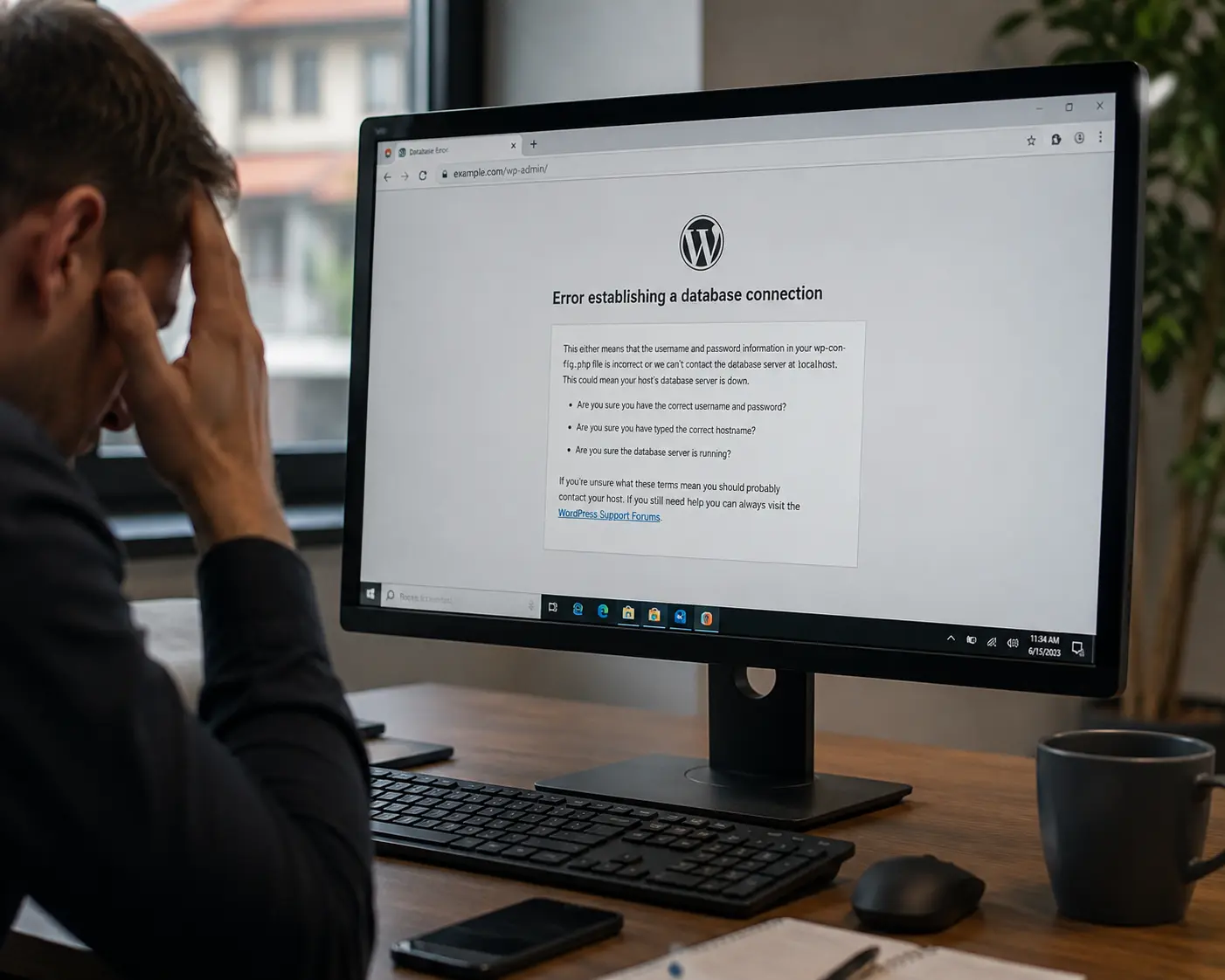
Error Establishing a Database Connection

If your WordPress website is showing “Error establishing a database connection”, it usually means WordPress can no longer communicate correctly with the database that stores your website content, settings, users and other important information.

The website may have been working normally only minutes earlier. Common causes include incorrect database credentials, database server problems, corrupted database tables, hosting issues or changes made during a website migration.

Common causes we investigate

  • incorrect WordPress database credentials
  • damaged or changed wp-config.php settings
  • database server unavailable
  • corrupted database tables
  • hosting or server resource problems
  • database errors after a website migration
  • intermittent WordPress database connection failures
  • recent hosting, PHP or server changes

What We Check

  • database connectivity
  • WordPress configuration
  • hosting/database availability
  • corrupted database tables
  • recent migration changes
  • server and error logs where available

In many cases, the website itself has not been permanently lost. The priority is to identify whether the problem is coming from WordPress configuration, the database server, hosting or a recent technical change.
502 Bad Gateway, 504 Gateway Timeout & 403 Forbidden Errors

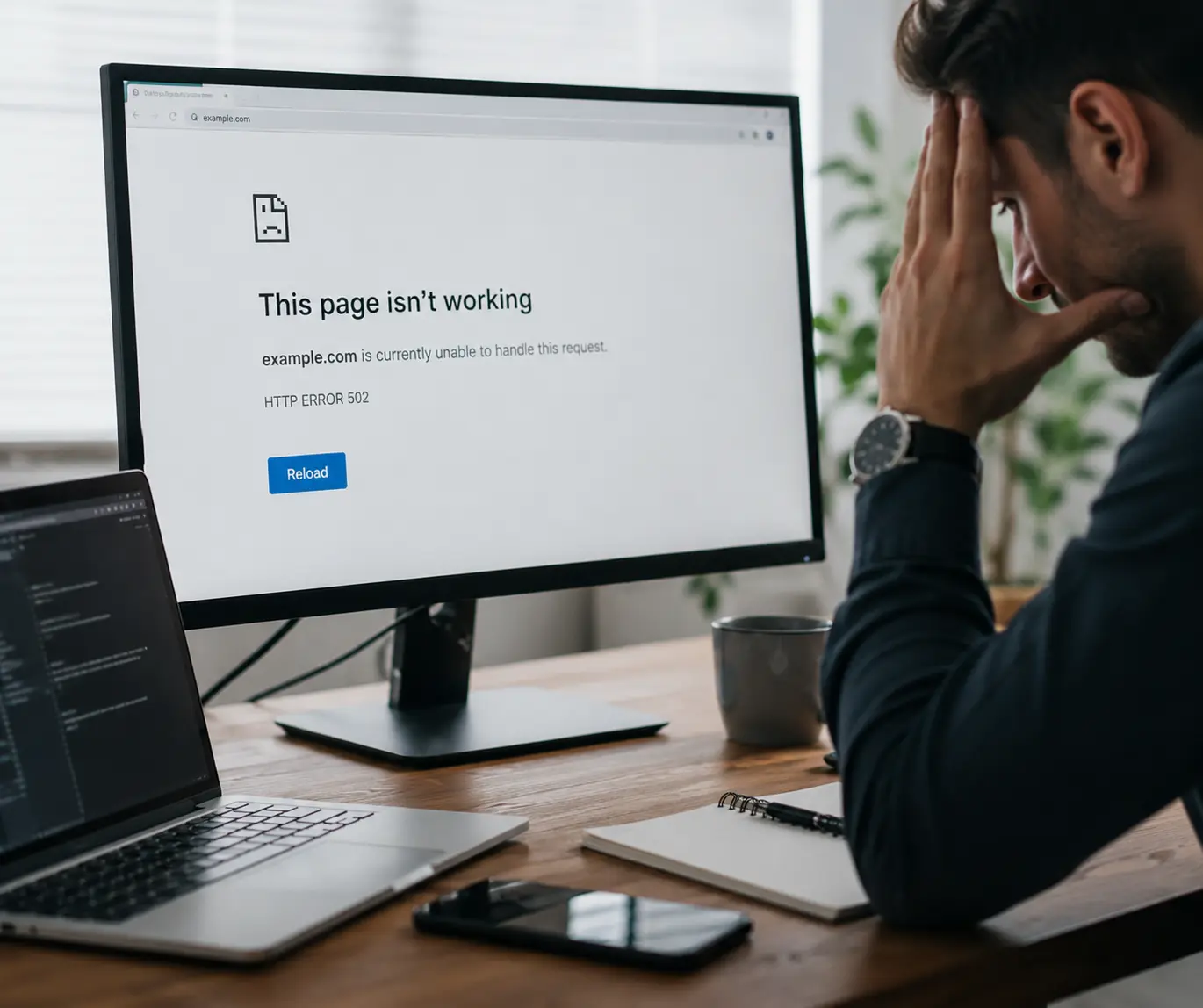
Not every website failure displays a 500 or 503 error. Server, proxy, firewall and hosting problems can also result in 502 Bad Gateway, 504 Gateway Timeout or 403 Forbidden errors.

These problems can appear suddenly after server changes, plugin updates, firewall rules, traffic spikes or hosting problems.
Common errors we investigate

  • 502 Bad Gateway – often connected to server, PHP, proxy or hosting communication problems
  • 504 Gateway Timeout – when the server takes too long to complete a request
  • 403 Forbidden – when access is being blocked by permissions, security rules or firewall configuration
  • repeated server timeouts
  • website working intermittently
  • pages loading for some visitors but not others
  • server errors following an update or migration

WordPress Website Broken After an Update

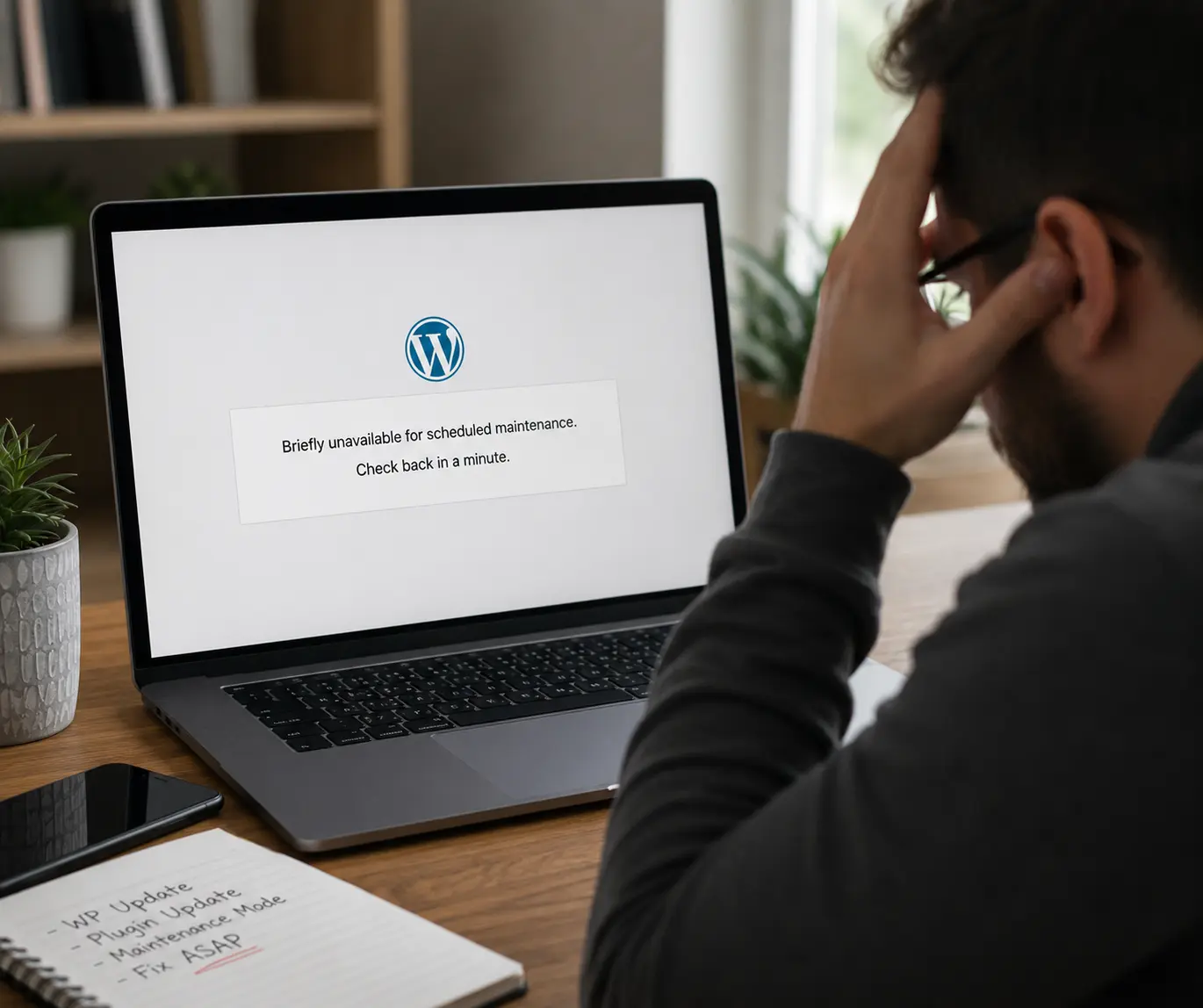
If your website stopped working immediately after a WordPress, plugin, theme, WooCommerce or PHP update, the update may have created a compatibility conflict.

A broken update does not always mean the website is permanently damaged. Often one plugin, theme component or PHP change is responsible.

Problems we can investigate

  • website broken after plugin update
  • WordPress critical error after update
  • blank page after theme update
  • WooCommerce checkout broken after update
  • PHP fatal error following an update
  • layout broken after plugin update
  • admin area inaccessible after update
  • plugin conflict after WordPress update
  • website stuck while updating

We first identify which change triggered the problem before deciding whether the safest solution is a targeted repair, rollback or restoration.
WordPress Stuck in Maintenance Mode

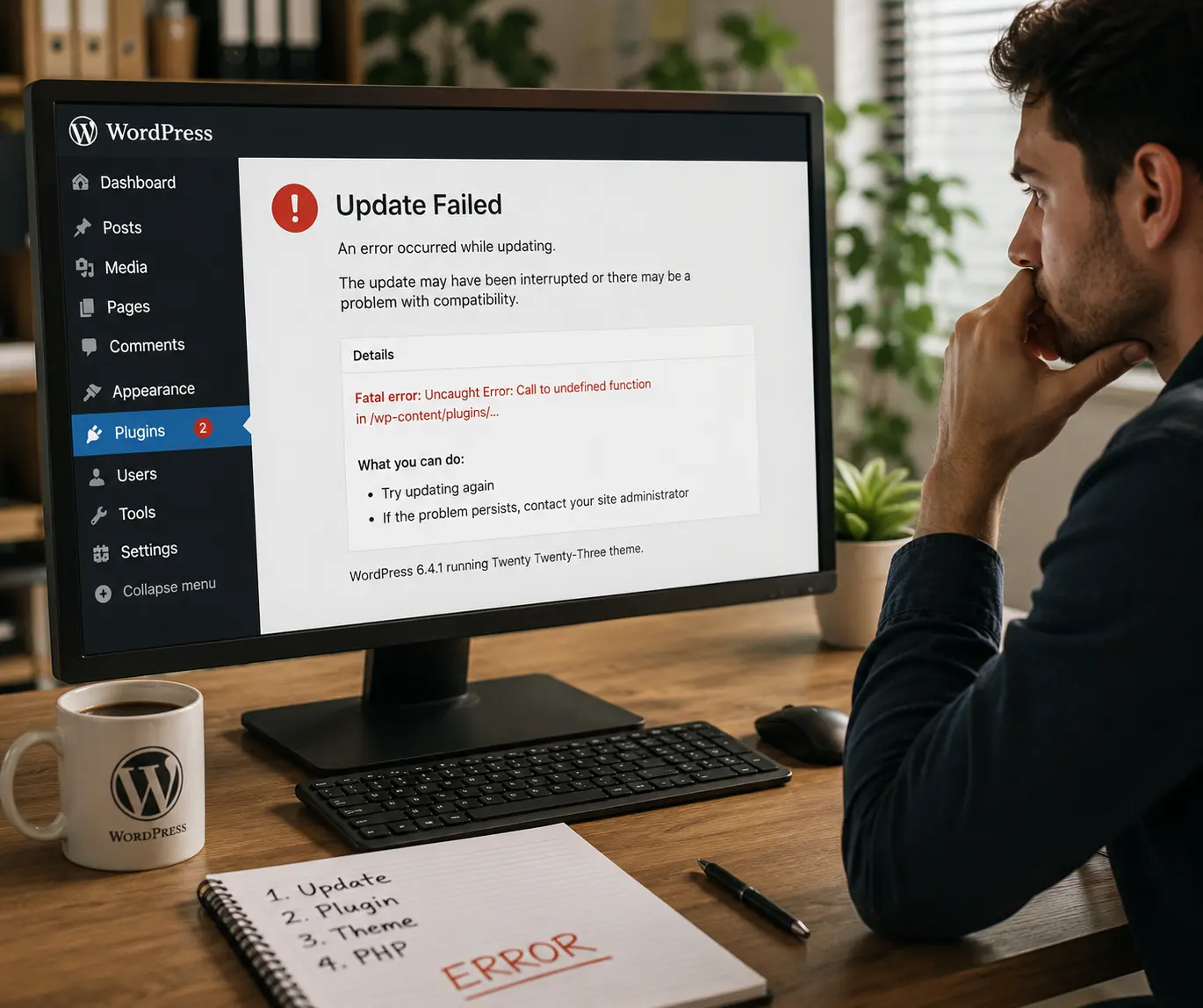
If your website is stuck showing:

“Briefly unavailable for scheduled maintenance. Check back in a minute.”

long after an update should have completed, the WordPress update process may have been interrupted.

This can happen when a plugin, theme or WordPress core update stops unexpectedly.

We can investigate

  • WordPress stuck in maintenance mode
  • update process interrupted
  • failed plugin updates
  • failed theme updates
  • incomplete WordPress core updates
  • website inaccessible after update

We can restore normal access and then check whether the interrupted update caused any additional problems.
Elementor Not Saving, Loading or Publishing

If Elementor suddenly stops saving changes, fails to publish a page or displays a Server Error 500, the problem may involve PHP/server limits, plugin conflicts, security rules or corrupted page data.

Elementor problems we investigate

  • Elementor Server Error 500
  • Elementor won’t save changes
  • Elementor won’t publish
  • Elementor editor not loading
  • Elementor stuck loading
  • changes not appearing on website
  • one Elementor page failing while others work
  • Elementor page broken after update
  • PHP/server errors affecting Elementor

These problems can be especially frustrating when the rest of the website still appears to work normally.
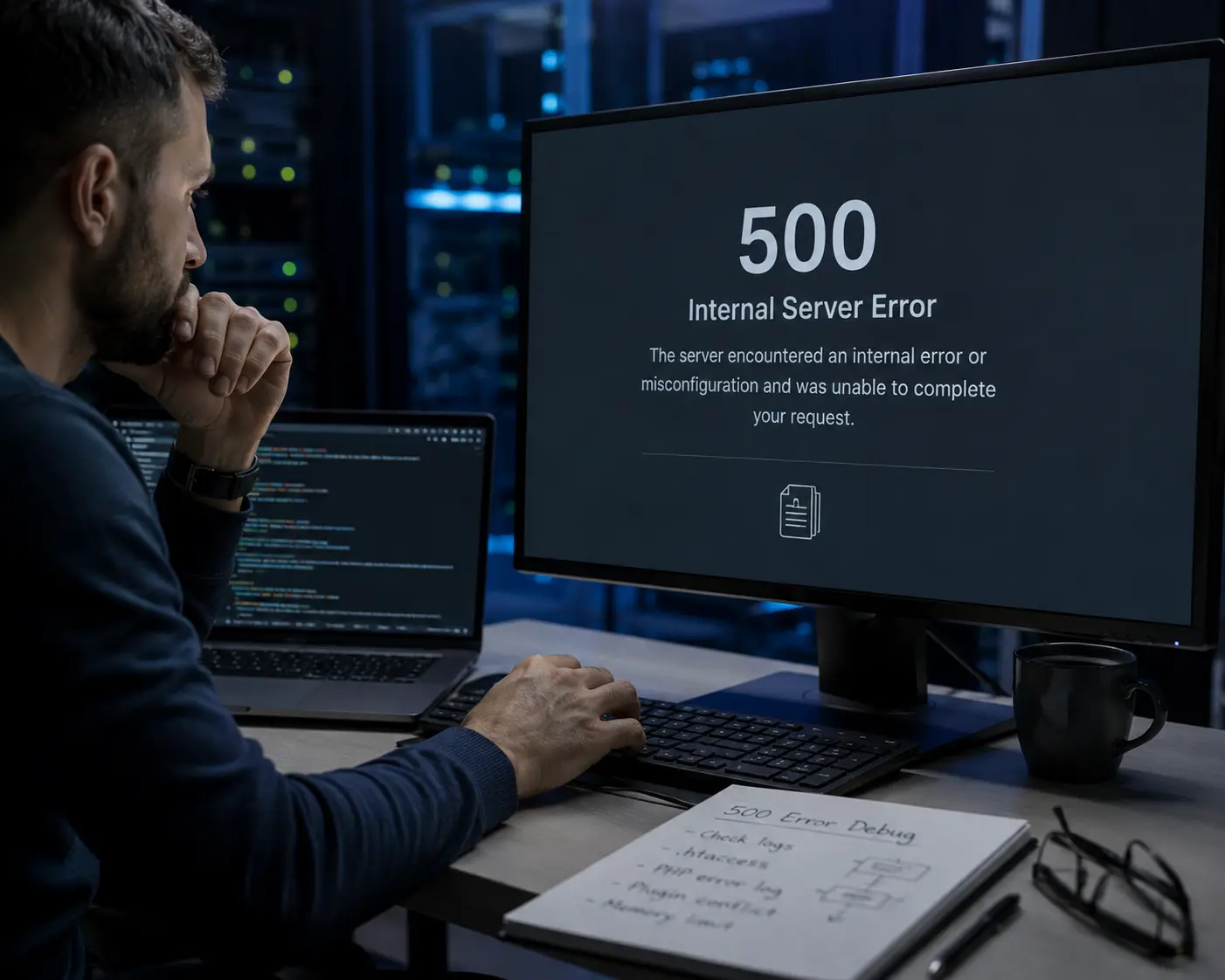
Stripe & WooCommerce Payment Problems

Some WooCommerce payment failures are intermittent. One customer may complete an order successfully while another repeatedly fails at the payment or 3D Secure stage.

Because the website can appear normal while customers cannot pay, these problems can cause immediate revenue loss.

We investigate

  • Stripe payment failed in WooCommerce
  • Stripe 3D Secure authentication failing
  • WooCommerce orders stuck on Pending Payment
  • repeated payment_intent.requires_action events
  • Stripe payment succeeded but WooCommerce order not updated
  • payment taken but no order created
  • card fields disappearing at checkout
  • card fields not loading
  • Place Order button not responding
  • checkout spinning indefinitely
  • checkout JavaScript errors
  • Stripe webhook problems
  • payment gateway plugin conflicts
  • checkout broken after plugin updates
  • cache/CDN optimisation interfering with payment scripts

Urgent payment problems are treated as revenue-critical because customers who cannot complete checkout may simply leave and buy elsewhere.
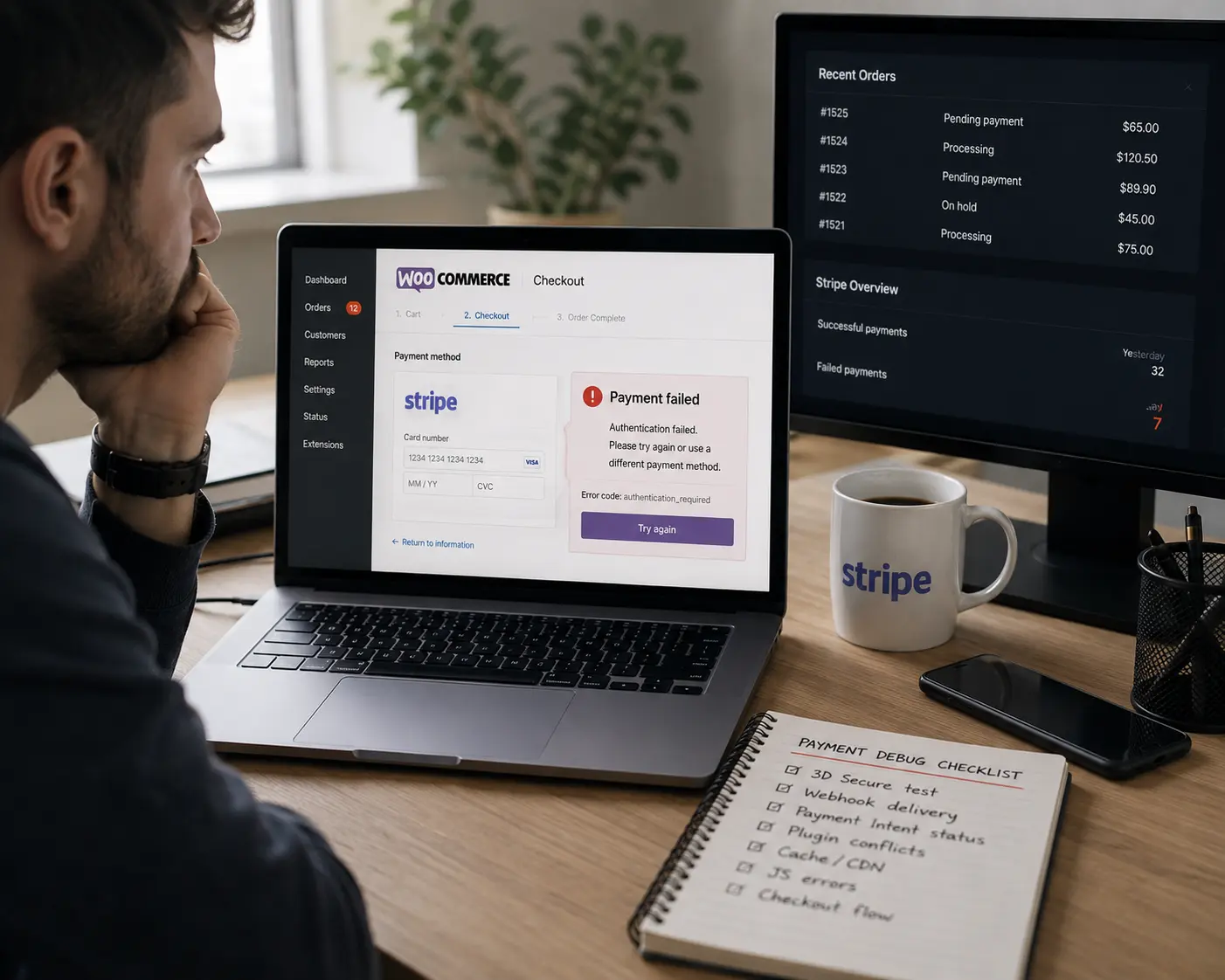
Real Emergency Repair – WooCommerce & Stripe Checkout

The Problem

A UK WooCommerce business contacted Core Web UK after customers began experiencing repeated payment failures.

Some customers reported entering their details only for the payment section to disappear. Other orders remained in Pending Payment and were later cancelled.

The Diagnosis

We checked:

  • WooCommerce order activity
  • Stripe PaymentIntent events
  • 3D Secure authentication
  • Stripe webhooks
  • payment plugin settings
  • checkout JavaScript
  • caching and optimisation

During testing, we reproduced a genuine checkout JavaScript error where the card payment section failed to initialise correctly.

Work Completed

  • updated relevant WordPress and payment plugins
  • cleared website and CDN caches
  • reviewed Stripe and WooCommerce configuration
  • excluded checkout from optimisation as an additional precaution
  • tested card checkout
  • tested Apple Pay
  • completed a full Stripe 3D Secure test

Result

The checkout loaded correctly again and subsequent live customer orders began completing successfully.
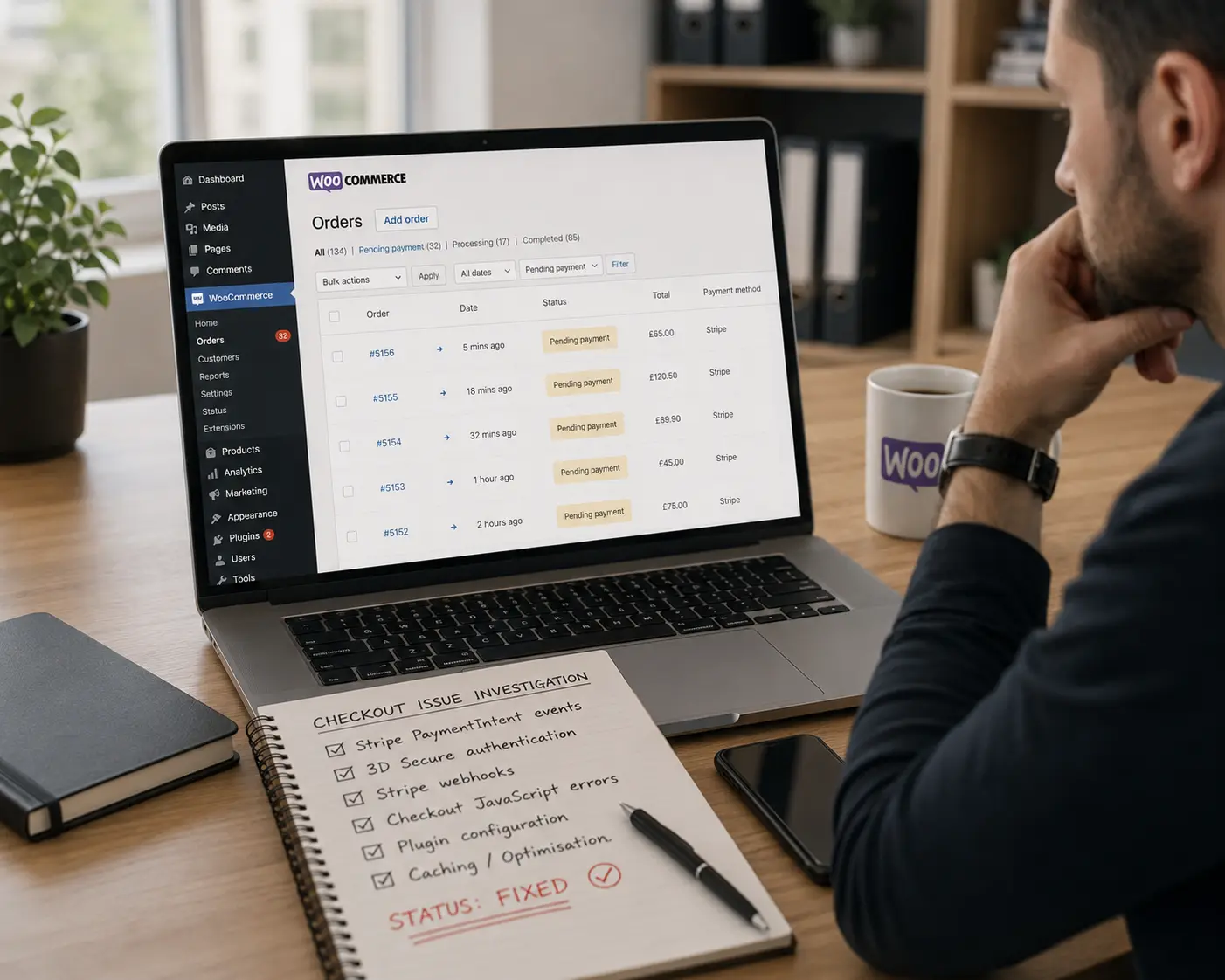
WooCommerce Order Emails Not Sending

Your store can continue accepting orders while important emails silently stop reaching you or your customers.

This can affect customer confidence and make it difficult to manage new orders properly.
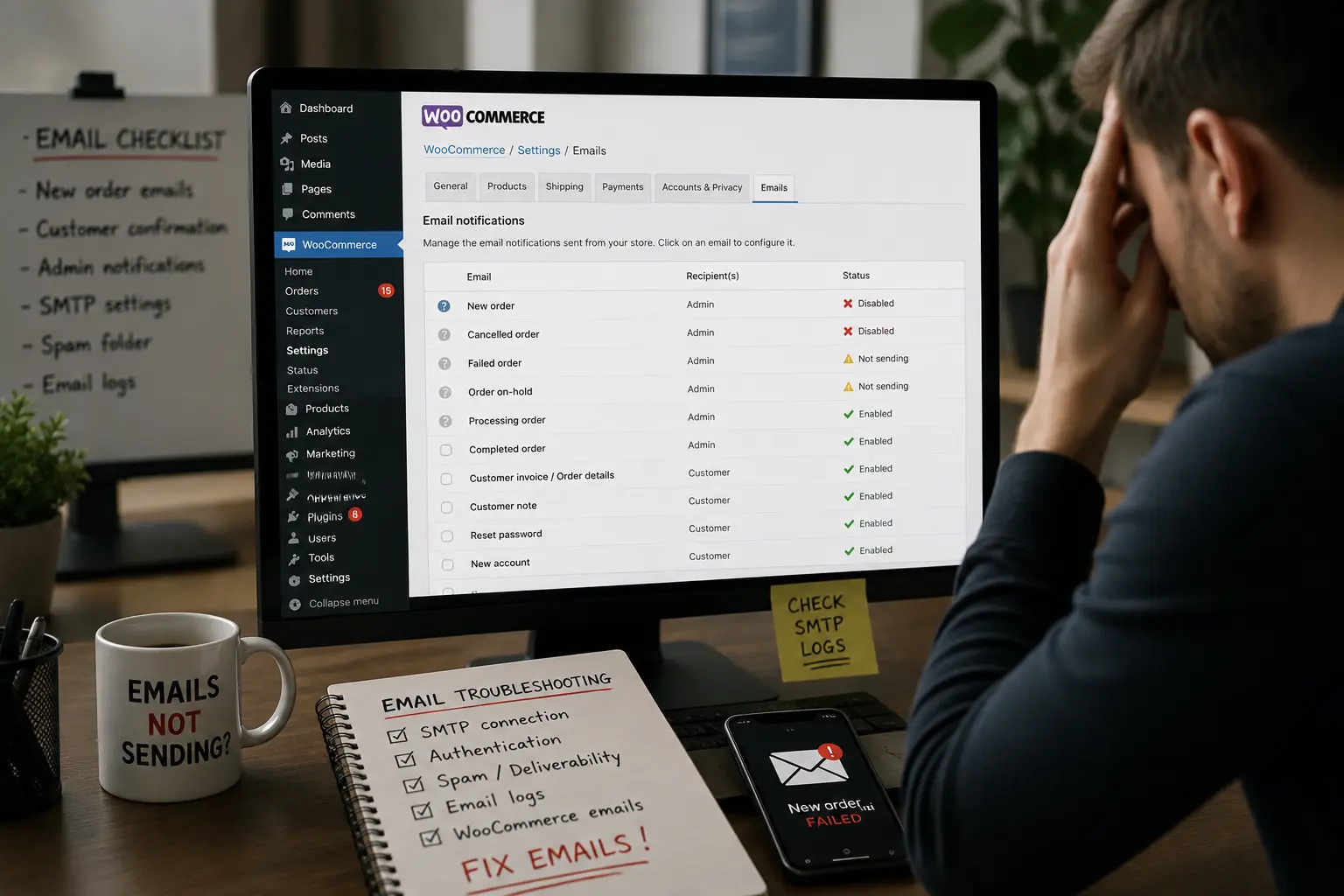
We can investigate

  • WooCommerce new order emails not sending
  • customers not receiving order confirmation emails
  • admin not receiving new order notifications
  • SMTP failures
  • emails going to spam
  • pending-payment orders not triggering expected notifications
  • password reset emails not arriving
  • contact and transactional emails failing together

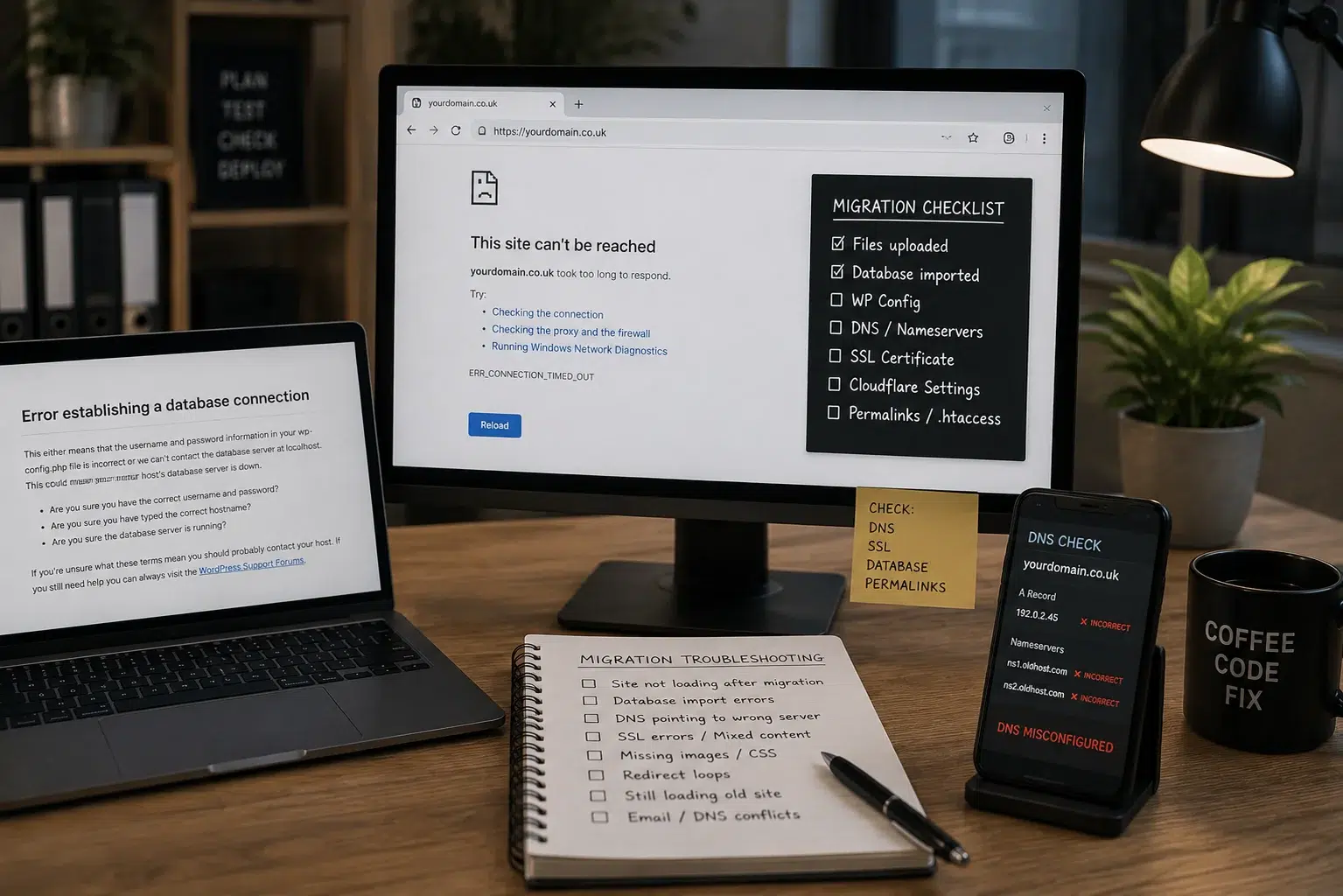
Website Broken After Migration or DNS Change

Website migrations can fail even when all the original files still exist.

The problem may come from WordPress configuration, the database, DNS, SSL, PHP or the hosting environment.

We investigate

  • website not loading after migration
  • WordPress migration failed
  • database import errors
  • DNS pointing to the wrong server
  • incorrect nameservers
  • Cloudflare configuration problems
  • SSL errors after moving hosting
  • missing images or CSS after migration
  • redirect loops after migration
  • website still loading from the old server
  • email and website DNS conflicts

Where possible, we identify whether the problem is coming from WordPress, the database, DNS, SSL, CDN or hosting before changing anything.
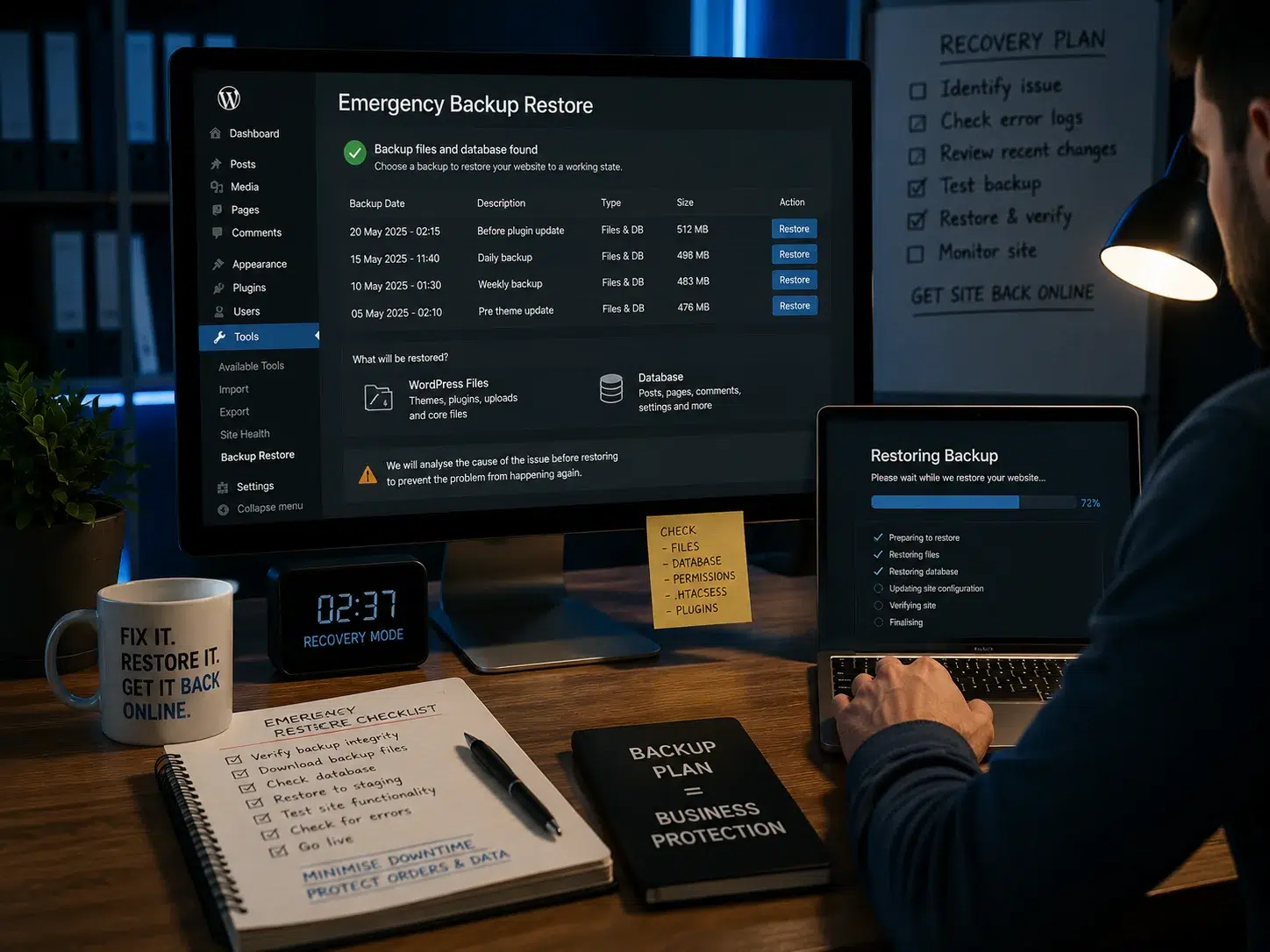
Emergency WordPress Backup Restore & Rollback

If an update, code change or configuration change has badly damaged your website, restoring a known working backup may sometimes be the safest recovery option.

We can assess

  • emergency WordPress backup restoration
  • website rollback after failed update
  • restoring a broken website
  • recovering files and database from backup
  • restoring before a plugin or theme failure
  • minimising loss of recent orders or content

We do not blindly restore backups without checking what caused the failure because restoring the same faulty configuration can immediately recreate the problem.
Too Many Redirects / Redirect Loop

If your browser displays ERR_TOO_MANY_REDIRECTS, the website may be trapped in a redirect loop between WordPress, HTTPS, Cloudflare, hosting or another redirect rule.
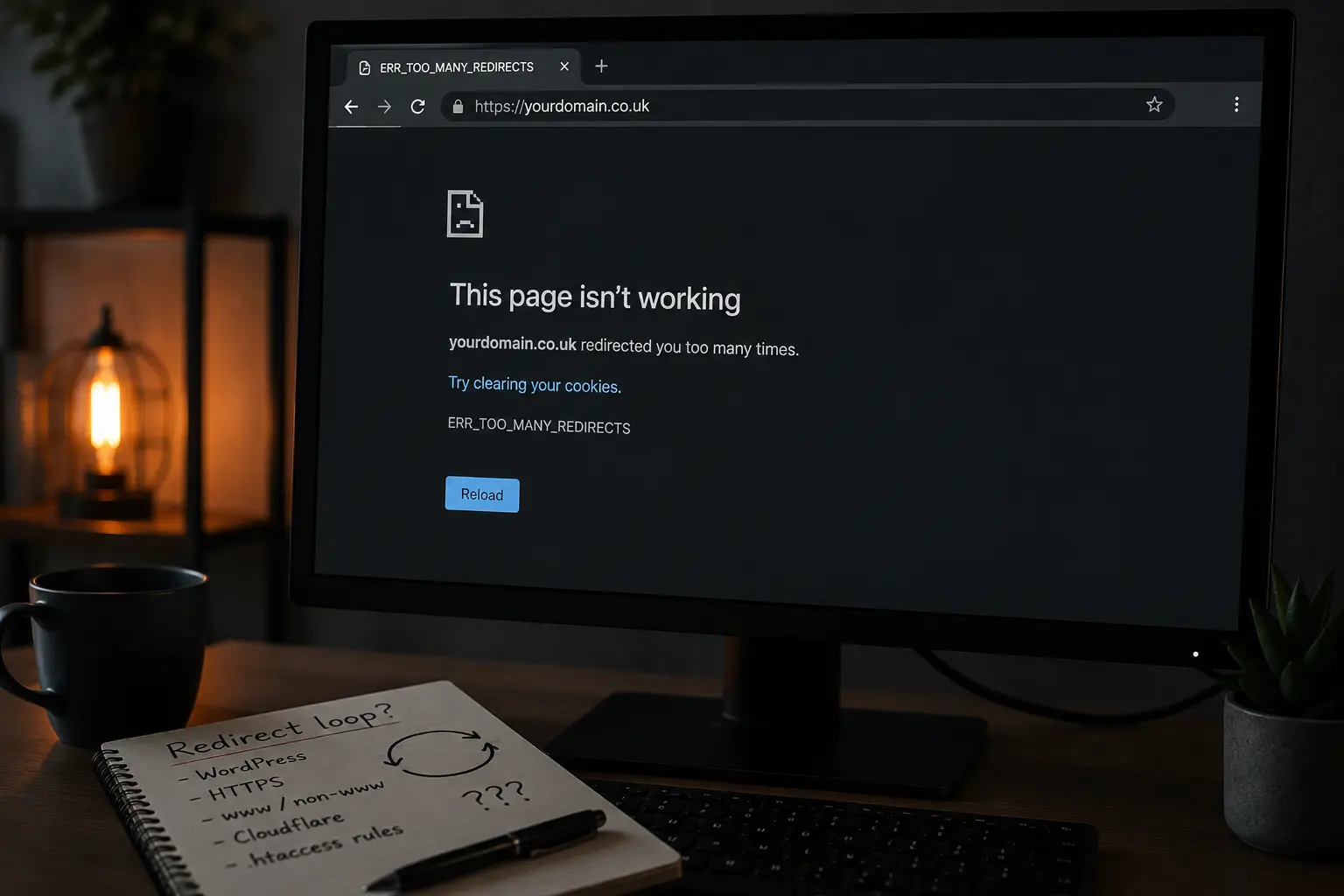
We investigate

  • ERR_TOO_MANY_REDIRECTS
  • WordPress redirect loops
  • wp-admin redirect loops
  • HTTPS redirect conflicts
  • Cloudflare redirect problems
  • www/non-www redirect loops
  • website redirecting repeatedly after migration
  • SSL redirect conflicts

PHP Fatal Errors & WordPress Memory Errors

WordPress, WooCommerce and page builders depend heavily on PHP.

A memory limit, incompatible PHP version or fatal code error can cause the entire website, or sometimes just one page, to stop working.
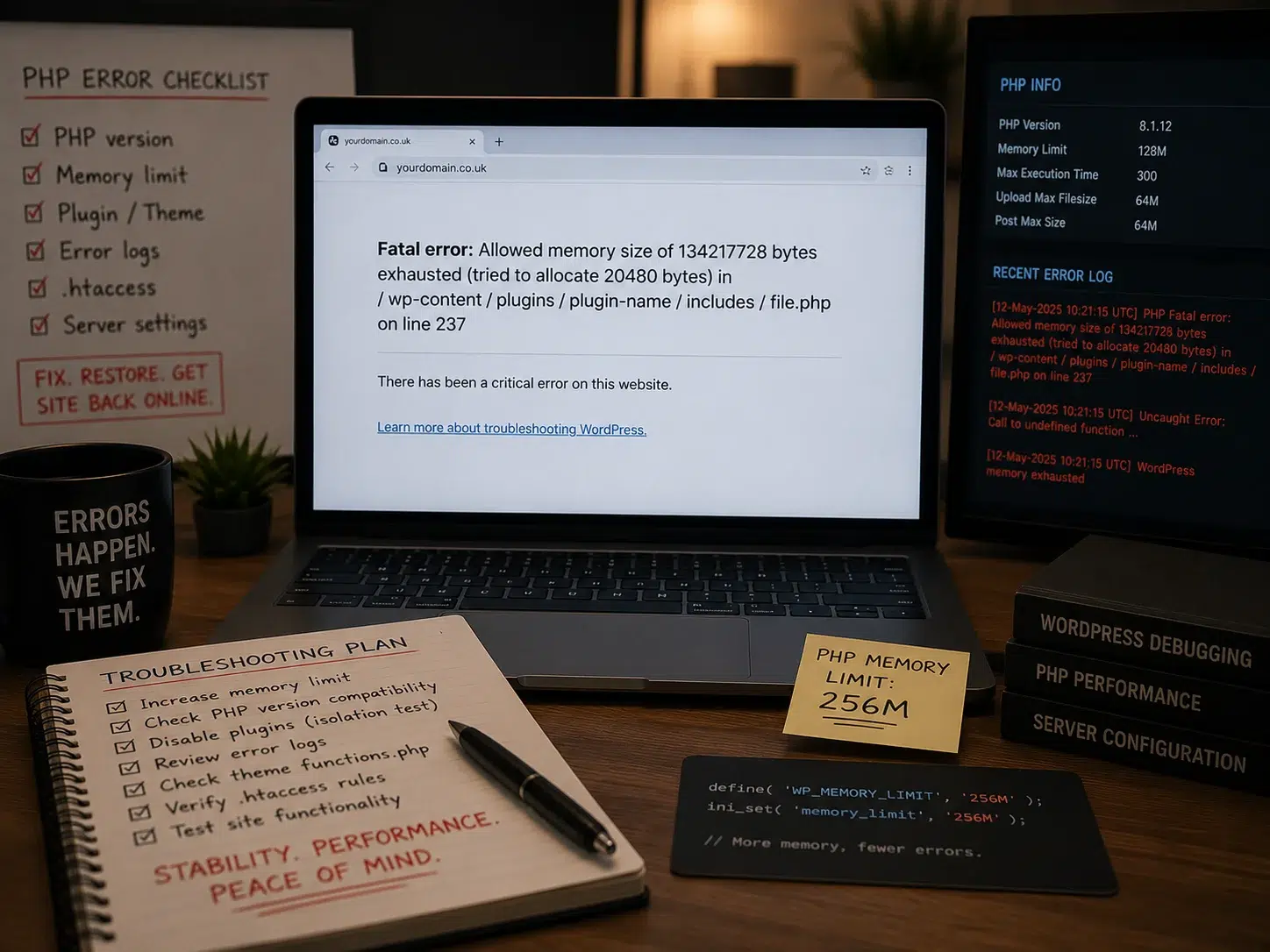
We investigate

  • PHP fatal error WordPress
  • allowed memory size exhausted
  • WordPress memory exhausted
  • website broken after PHP update
  • incompatible PHP version
  • plugin PHP errors
  • server error after PHP change
  • WordPress admin PHP errors

Website Broken After Cache or JavaScript Optimisation

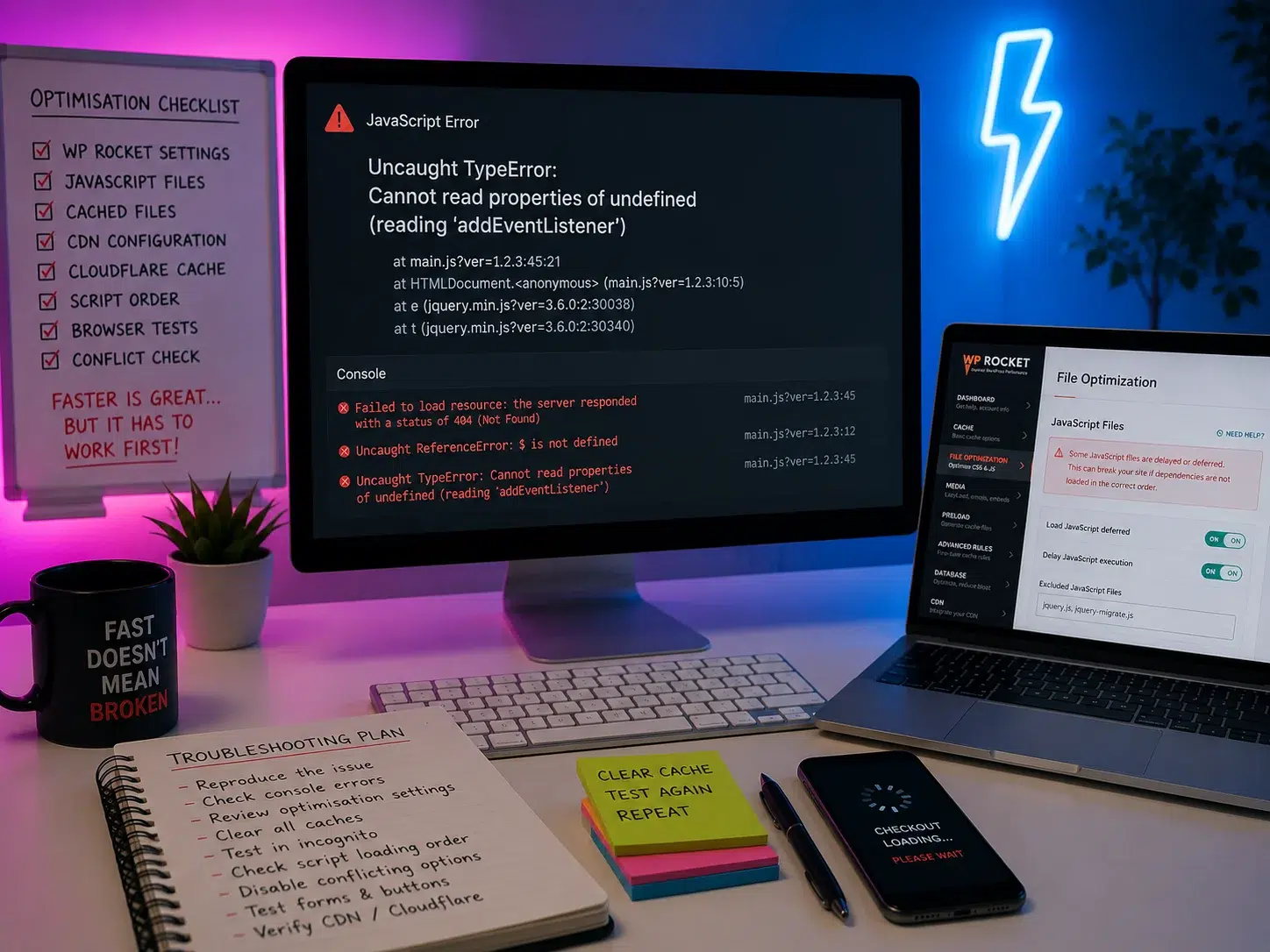
Performance tools can make a website significantly faster, but aggressive JavaScript optimisation, delayed scripts, CDN caching or stale files can occasionally stop important website features from working.
We investigate

  • website broken after WP Rocket changes
  • JavaScript error after optimisation
  • buttons stopped working
  • checkout broken after JavaScript optimisation
  • contact forms not submitting
  • stale CDN cache
  • Cloudflare serving old files
  • scripts loading in the wrong order
  • website works in one browser but not another
  • incognito browser works but normal browser does not

Website Suspended by Hosting Provider

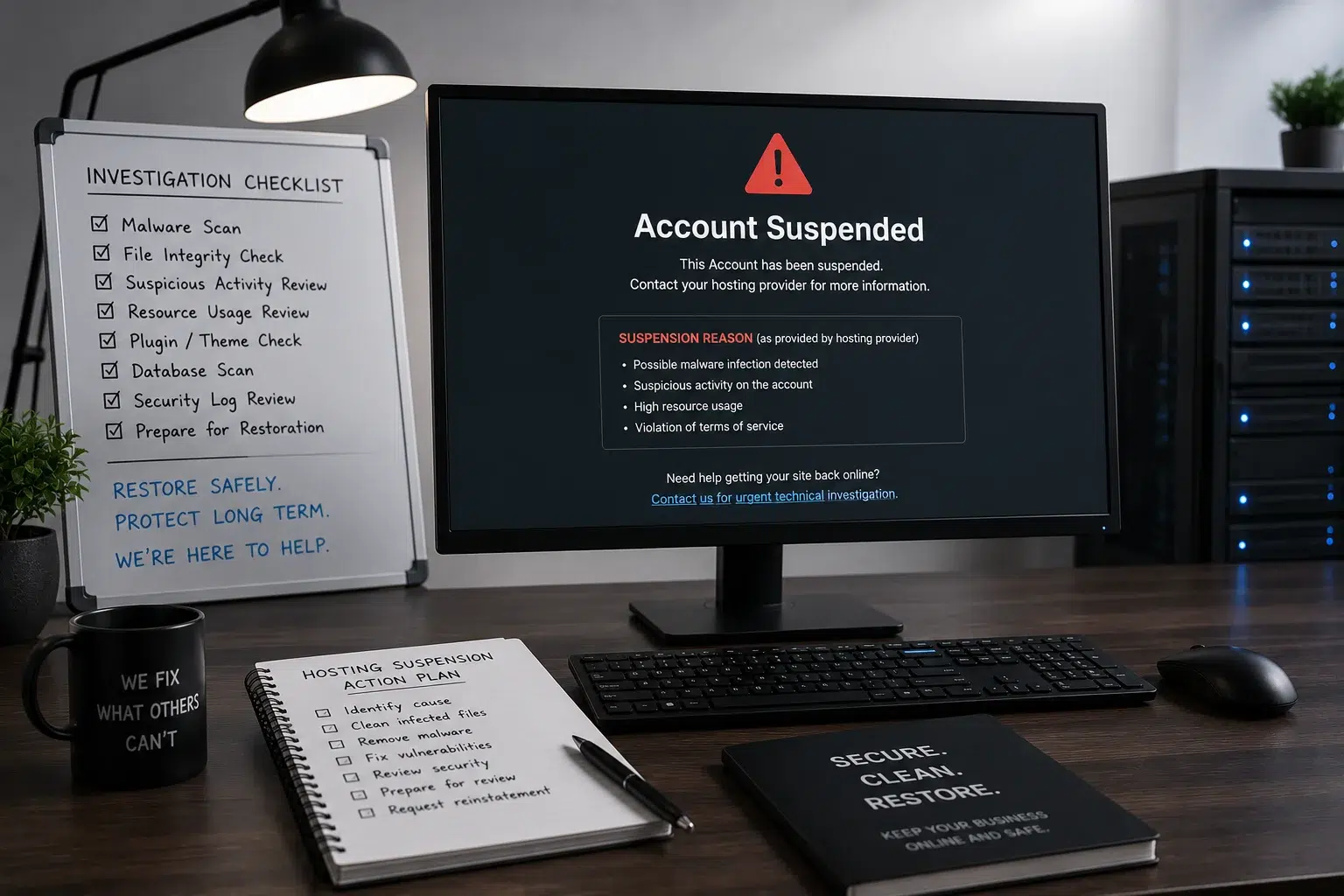
If your hosting company has suspended your website, the cause may be malware, excessive resource usage, compromised files, security concerns or another server-level problem.

We can investigate

  • malware-related hosting suspension
  • compromised WordPress files
  • unusually high server resource usage
  • suspicious website activity
  • infected plugins or themes
  • hosting security warnings

Where appropriate, we can identify likely technical causes and help prepare the website for safe restoration.
Website Works but Some Pages Are Broken

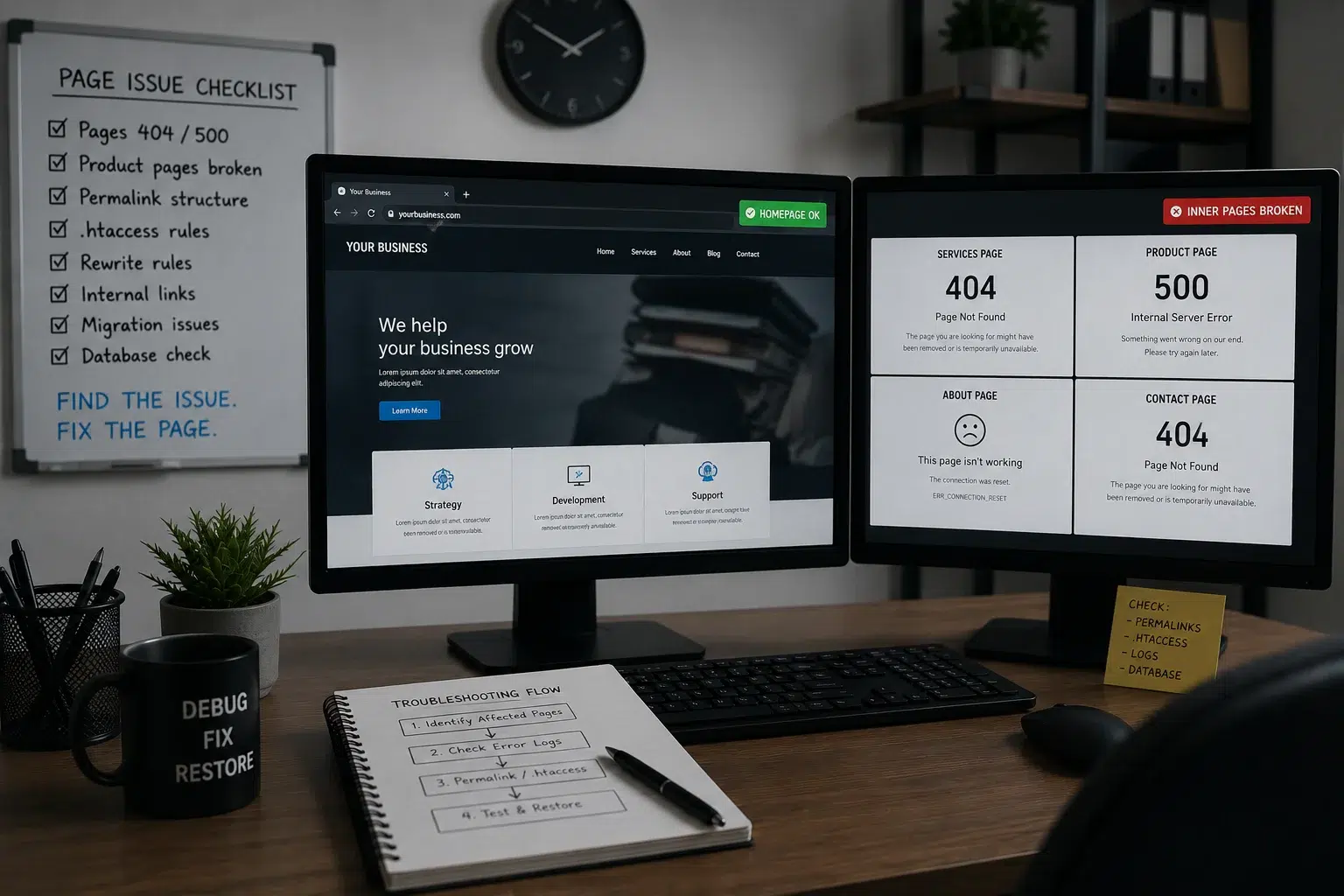
Sometimes the homepage continues to work while service pages, products, posts or admin screens begin returning errors.

Because the entire site is not offline, these problems can remain unnoticed for longer.
We investigate

  • homepage works but other pages show 404
  • only one WordPress page shows 500 error
  • product pages not loading
  • some pages showing blank screen
  • pages broken after migration
  • internal pages returning errors
  • permalinks not working
  • .htaccess or rewrite-rule problems

Domain or DNS Problem – Website Suddenly Offline

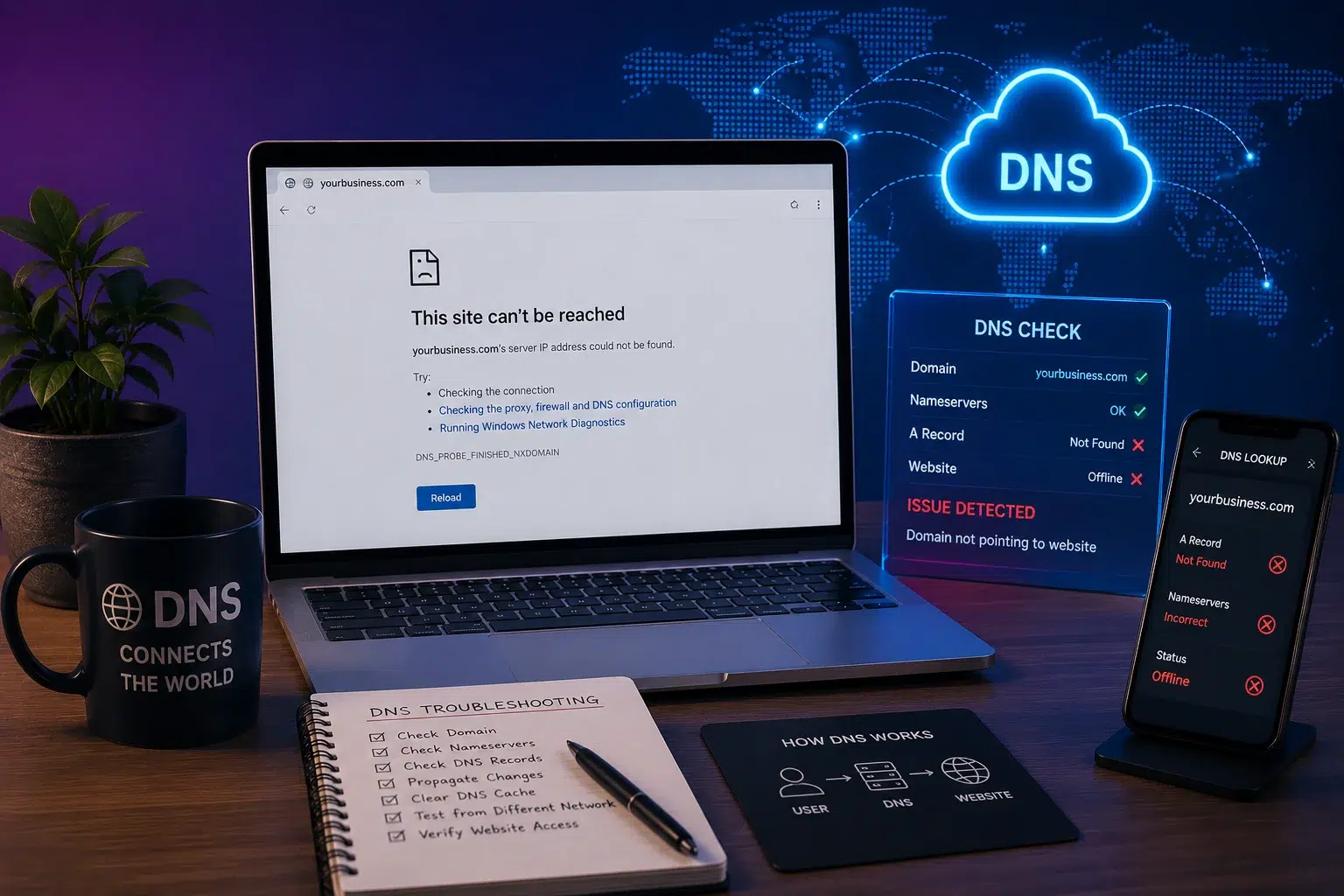
Sometimes WordPress itself is working normally but visitors still cannot reach the site because the domain or DNS is pointing to the wrong destination.
We investigate

  • domain not pointing to website
  • DNS changes broke website
  • nameserver problems
  • website offline after DNS change
  • Cloudflare DNS issues
  • domain resolving to old hosting
  • website works for some users but not others

What to Send Us for a Faster Emergency Diagnosis

You do not need to understand the technical problem before contacting us.

To help us assess the issue more quickly, send:

  • your website URL
  • the error message you see
  • a screenshot if possible
  • roughly when the problem started
  • what changed immediately beforehand, if known
  • whether the problem affects everyone or only some visitors
  • whether you can still access WordPress/admin
  • your preferred contact number

Important:
Do not send passwords through an unsecured public form. We will explain what access is required after reviewing the problem.
SSL Working but Website Still Shows “Not Secure”

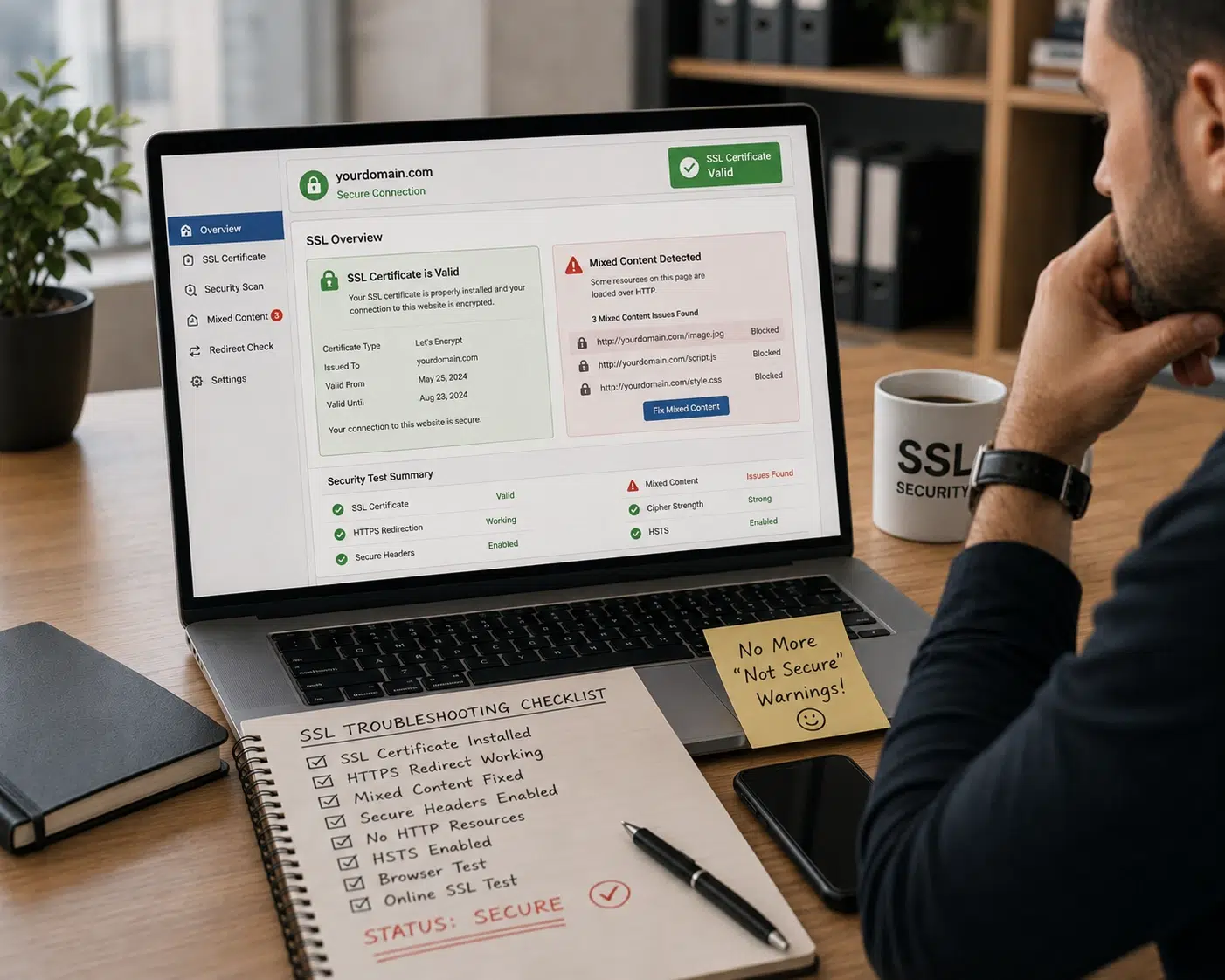
A valid SSL certificate does not always mean every page will display as secure.

Images, scripts, stylesheets or other website resources may still be loading over HTTP and trigger a mixed content warning.
We investigate

  • SSL installed but website still says Not Secure
  • mixed content errors
  • images loading over HTTP
  • HTTPS redirect problems
  • SSL errors after migration
  • Cloudflare SSL configuration
  • browser security warnings

Emergency Website Fixes Across the UK

We provide 24/7 emergency website repair for businesses across the UK. Because urgent fixes are carried out remotely, location is not a barrier — issues can be diagnosed and resolved wherever your business is based.

If the immediate problem is resolved but you want ongoing protection afterwards, our website maintenance and support service covers routine updates, backups, monitoring and ongoing technical care.

Whether you’re in London or elsewhere in the UK, emergency requests are handled with the same priority and urgency.


Emergency Website Fixes – Frequently Asked Questions

How fast can you respond to an emergency website issue?

Emergency requests are prioritised immediately. In most cases, we respond within minutes regardless of the time of day or night.

Do you really offer emergency website fixes 24/7?

Yes. Emergency website support is available 24 hours a day, 7 days a week including nights, weekends, and holidays.

What qualifies as an emergency website issue?

This includes websites being down, hacked sites, security warnings, broken contact forms, or critical website errors.

Can you fix my website in the middle of the night?

Yes. Late-night and out-of-hours requests are fully supported as part of the emergency service.

Do you work only with WordPress websites?

WordPress is the main platform we support, but we also help with other website systems where possible.

My website shows a white screen — is it permanently broken?

Usually not. White screen and critical errors are commonly caused by plugin conflicts or server issues.

What if my website has been hacked?

We assess the issue, remove malicious files where possible, and help restore safe access quickly.

Can you fix contact forms not sending enquiries?

Yes. We properly test forms and ensure enquiries are delivered reliably to the correct inbox.

What access do you need?

Usually WordPress login, hosting access, or Cloudflare/DNS access depending on the issue.

What if I don’t have access details?

We can still advise initially and guide you through recovering or resetting access.

Will you make changes without approval?

No. Any required work and pricing will always be discussed before proceeding.

How much does an emergency website fix cost?

Emergency fixes usually start from £120 depending on complexity and time required.

Is there a call-out fee?

No. There are no separate emergency call-out charges for website repairs.

Is payment required upfront?

Yes. Emergency work normally requires payment before or during the service.

Can you guarantee the website will be fixed?

Most issues are fixable, but some cases depend on hosting or third-party limitations.

Will fixing my site affect SEO?

Fixes are handled carefully to minimise disruption to rankings, traffic, or content.

What if multiple problems are happening?

We prioritise stabilising the website first before handling secondary issues.

Do you provide ongoing support afterwards?

Yes. Ongoing maintenance and support can be arranged after the emergency is resolved.

Can you help with hosting-related problems?

Yes. Many emergency website problems are linked to hosting or server configuration issues.

How do I get started if my site is down?

Contact us immediately and we’ll begin reviewing the issue as quickly as possible.

My website broke immediately after a plugin update. Can you help?

Yes. We can investigate whether the plugin, theme, WordPress version, PHP version or another dependency caused the failure and determine the safest recovery route.

Can you fix “Error establishing a database connection”?

Yes. We can investigate WordPress database credentials, database availability, corrupted tables and hosting/database problems.

Can you fix a 502 Bad Gateway or 504 Gateway Timeout?

Yes. These errors can be linked to hosting, PHP, database, proxy, CDN or server resource problems. We can investigate the likely cause.

My WordPress website is stuck in maintenance mode. Can you fix it?

Yes. Failed or interrupted updates can leave WordPress stuck displaying the maintenance message. We can restore access and check whether the update caused additional problems.

Elementor gives me Server Error 500 when I publish. Can you fix it?

Yes. Elementor publishing errors can involve PHP/server limits, plugin conflicts, security rules or other server-side problems.

Stripe took the payment but WooCommerce didn't create the order. Can you help?

Yes. We can investigate the payment gateway, WooCommerce checkout process, webhooks, order status and relevant logs to identify where the payment flow failed.

Can you fix WooCommerce orders stuck on Pending Payment?

Yes. Pending-payment problems can involve abandoned payments, gateway authentication, webhooks, checkout scripts or payment-plugin conflicts.

Can you fix WooCommerce order emails not sending?

Yes. We can check order status, WooCommerce notification settings, WordPress mail delivery and SMTP configuration.

Can you fix a website broken after migration?

Yes. We can investigate files, database configuration, WordPress URLs, DNS, SSL, PHP versions and redirects following a migration.

Can you restore my website from a backup?

Where a suitable backup exists, yes. We first assess the problem and whether restoring the backup is the safest option.

Why does my homepage work but other pages show 404?

This can happen when WordPress rewrite rules, permalinks or .htaccess configuration become damaged or out of sync.

Can you fix ERR_TOO_MANY_REDIRECTS?

Yes. We can investigate WordPress URL settings, HTTPS configuration, Cloudflare, hosting redirects and other rules that may be creating the loop.

Can you fix PHP fatal errors?

Yes. PHP fatal errors can be caused by plugin conflicts, incompatible PHP versions, memory limits or broken code. We can investigate the error and the safest fix.

Speak Directly to the Person Investigating Your Website

No call centre. No ticket bouncing between multiple departments. When you contact Core Web UK about an emergency website problem, you can explain what happened directly so the issue can be assessed quickly. For urgent problems, clear communication matters. We explain what we find, what needs to be done and the likely next steps before proceeding.