
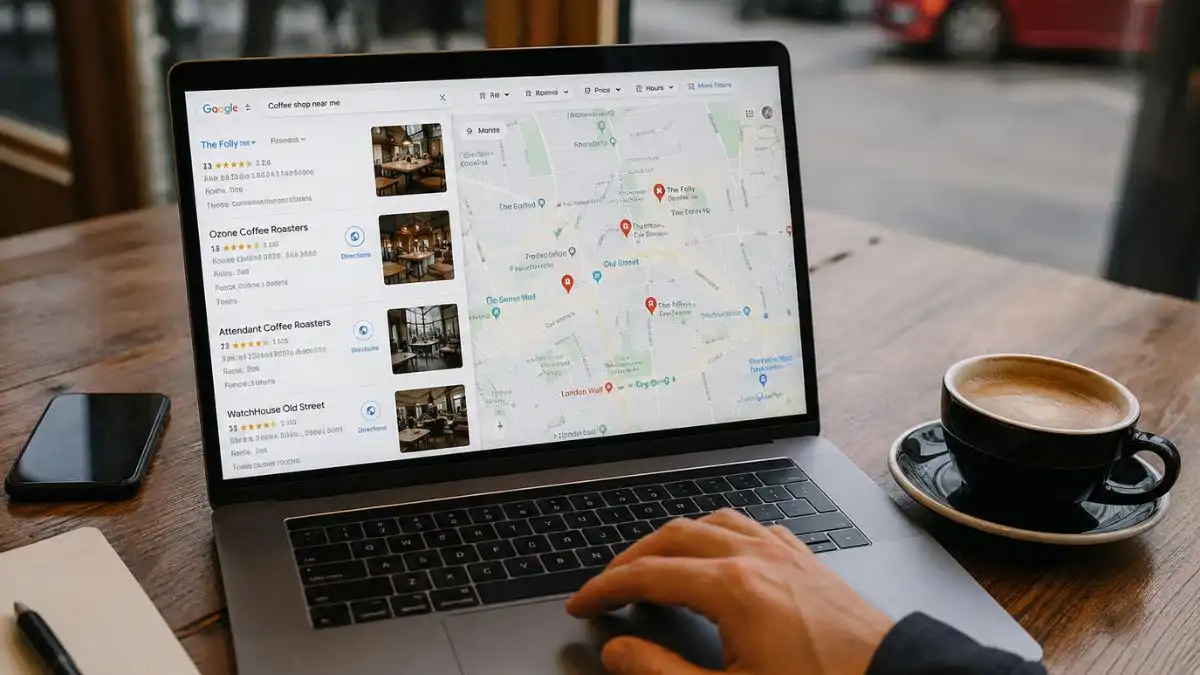
If your Google Business Profile appears when you search your business name but does not rank in Google Maps for the services you want, the profile is visible — it is simply not competitive enough for that local search.
Google says local results are mainly based on relevance, distance and prominence. That means there is no single switch, number of reviews or optimisation trick that guarantees a top-three Maps position.
The best diagnosis is to find which of those three areas is weak for the exact search you care about.
Keep a search record before changing the profile
Query: the exact service phrase.
Search point: the real customer location.
Context: date, device and any open-now or rating filter.
Result type: paid placement, Maps pack, expanded Maps list or ordinary website result.
Observed competitors: the listings actually shown and their relevant category, location, reviews and service evidence.
Repeat the check from useful points near the base and across the genuine service area. Keep the same search phrase and method when comparing dates. Private browsing can reduce account personalisation, but it does not remove location effects. A rank tracker should explain its search coordinates, grid and result limits rather than presenting one number as the position everywhere.
Use the right measurement for each question
Search Console reports your website’s Search clicks, impressions and average position. Those figures do not establish your Business Profile’s Maps position. For a website result, calculate CTR as clicks divided by impressions, then multiply by 100; with no impressions it is undefined. Low clicks from poor positions and a small sample do not prove the title is wrong.
Keep that website evidence alongside Business Profile performance, consistent Maps checks and actual qualified enquiries. A website click, call-button click or direction request is not automatically a completed enquiry or sale.
Choose a change the evidence supports
If the listing is missing, check its status first. If it appears but loses for a particular service, inspect the category and real service offer. If it is strong near the base and weaker farther away, assess distance and competitors before rewriting information. Record major edits and website changes so a later movement can be investigated; a change occurring afterwards does not by itself prove causation.
Google’s local ranking guidance confirms relevance, distance and prominence and says you cannot request or pay Google for a better local ranking. Ask an adviser for the recorded searches, prioritised findings, proposed changes and outcome measures. Avoid a package sold only as a guaranteed top-three position.
Google Business Profile not ranking in Maps: diagnosis table
| What you see | Likely issue | What to check |
|---|---|---|
| Ranks for business name only | Weak relevance or prominence | Category, services, website, reviews |
| Ranks near your address but not farther away | Distance | Normal local behaviour and competition |
| Competitors rank with fewer reviews | Reviews are not the only factor | Category, website authority, location and relevance |
| Rankings fell after category change | Relevance changed | Primary category and matching services |
| Profile recently moved address | Location/re-verification changes | Address, pin, verification, website consistency |
1. Confirm the profile is actually visible
Search the exact business name.
If the profile does not appear at all, do not start a ranking campaign yet. First diagnose why the Business Profile is not showing.
If the profile appears for the brand name, continue.
2. Choose one target search
Do not ask:
“Why don’t I rank on Google Maps?”
Ask:
“Why don’t I rank for ‘air conditioning repair Croydon’ from this area?”
Local rankings change by:
- search phrase;
- searcher location;
- business category;
- time;
- competition.
A profile can rank well for one service and poorly for another.
3. Check the primary category
Your primary category is one of the clearest ways to tell Google what the business is.
If the business’s main work is web design, a primary category such as Web Designer is more accurate than a broad category that describes only part of the business.
Use additional categories for genuine secondary parts of the business.
Do not choose categories because a competitor uses them if they do not describe your business.
Choose Google Business Profile categories from the real business type, not the keyword you want to rank for.
4. Check the Services section
Categories describe the business. Services describe what customers can actually hire you to do.
For a plumber, services might include:
- leak repair;
- tap replacement;
- toilet repair;
- boiler-related work only where genuinely offered;
- emergency call-outs where available.
Do not add every keyword variation such as “best plumber”, “cheap plumber”, “local plumber”, “plumber near me”. Those are searches, not services.
5. Compare your profile with the businesses already ranking
Search your target phrase and look at the businesses in the local results.
Compare:
- primary category;
- additional categories;
- review count;
- rating;
- review recency;
- services;
- photos;
- website quality;
- how close they are to the search location;
- how established they appear online.
Do not copy competitors blindly. Use the comparison to identify obvious gaps.
6. Understand the distance problem
Distance is the ranking factor business owners have the least control over.
If your business is based in Croydon, you may rank strongly close to Croydon and much more weakly in central London.
Adding more service areas does not magically move the business closer to searchers.
Do not create fake offices in every town.
7. Make sure the website matches the profile
Google uses information from the wider web to understand businesses.
Your website should make the same main service and local footprint clear.
Check:
- homepage;
- main service pages;
- location pages;
- contact details;
- business name;
- phone number;
- real service area.
A profile and website that tell completely different stories create weak relevance.
This is why local SEO for service businesses needs both the Business Profile and the website.
8. Build service pages around real commercial intent
If you want to rank for several valuable services, your website should explain those services properly.
For example, one page saying:
“We do plumbing, drainage, heating, bathrooms, kitchens, electrical, roofing and building work”
is much less clear than dedicated useful pages for the important services.
Do not create hundreds of thin pages. Create separate pages only where the service genuinely deserves its own explanation.
9. Reviews help, but there is no magic number
Google confirms that review count and positive ratings can help local prominence.
But there is no published minimum number that guarantees a top-three position.
A business with 30 reviews can outrank one with 200 because distance, category, website prominence and relevance are also involved.
The right Google review target comes from local competitor benchmarking, not an invented universal number.
10. Ask for genuine reviews steadily
A natural review process is better than a sudden artificial-looking burst.
Ask real customers after real work.
Do not:
- buy reviews;
- offer discounts for positive reviews;
- ask staff or family to review;
- create fake accounts;
- tell customers which words to include.
11. Reply to reviews
Review replies show customers that the business is active and paying attention.
Keep replies:
- short;
- specific;
- professional;
- natural.
Do not copy the same keyword-heavy reply onto every review.
12. Check citations and business information
Important business listings should use consistent core information.
Prioritise:
- reputable UK directories;
- industry directories;
- local business directories;
- professional associations;
- social/business profiles.
Do not chase hundreds of low-quality directory listings.
13. Earn local and industry prominence
Prominence is broader than citations.
Useful signals can include:
- local press coverage;
- industry mentions;
- supplier or partner references;
- real links to the website;
- relevant business associations;
- strong organic search visibility.
Your website helps customers understand the business. Google’s current prominence guidance specifically mentions websites linking to the business, review count and positive ratings. Strengthen that real evidence alongside useful website content.
14. Add real photos and keep them useful
Google recommends photos and videos that help customers understand the business.
Useful photos include:
- outside premises;
- inside premises;
- team;
- work in progress;
- completed work;
- products;
- vehicles and equipment where relevant.
Do not believe that adding location metadata to image files is a magic Maps-ranking tactic.
The purpose of Business Profile photos is to represent the real business and help customers decide.
15. Keep opening hours accurate
Incorrect opening hours can damage customer trust and reduce the usefulness of the profile.
Update:
- normal hours;
- bank holiday hours;
- temporary closures;
- seasonal changes.
16. Check whether you changed something important
If rankings fell suddenly, write down recent profile changes.
Examples:
- primary category changed;
- business name changed;
- address changed;
- service area changed;
- website changed;
- profile re-verified;
- duplicate merged;
- website migration.
Do not keep changing fields while you are still trying to understand the first change.
17. Do not measure local rankings from one search
Your own phone is not a complete rank tracker.
Local results vary by location.
A better check is to compare several points across the real service area.
| Search point | What it tells you |
|---|---|
| Near business location | Local strength close to base |
| Middle of service area | Competitive visibility |
| Edge of service area | Distance limitation |
| Competitor-heavy area | Prominence/relevance challenge |
18. Measure enquiries, not only positions
A Maps ranking is useful only if it brings the right customers.
Track:
- calls;
- website visits;
- direction requests where relevant;
- forms;
- bookings;
- qualified enquiries;
- sales.
A business ranked second with strong reviews and a better website can win more work than the business in first position.
19. Do not use fake local offices
Creating a fake address to rank in another town can create a serious profile problem.
If you are a service-area business, follow the proper service-area setup instead.
20. Work on the weakest ranking factor first
Use this priority:
- Relevance: correct category, services and website content.
- Distance: accept the real geographic limitation.
- Prominence: reviews, reputation, links and local authority.
- Conversion: make sure customers want to choose you once they see the profile.
The core Google Maps ranking factors are relevance, distance and prominence. This article is specifically for diagnosing a profile that already exists but is not appearing strongly enough.
Google Maps ranking checklist
- Confirm the profile is visible.
- Choose one target search.
- Check the primary category.
- Check services.
- Compare ranking competitors.
- Check distance.
- Strengthen matching website pages.
- Build genuine reviews.
- Clean important citations.
- Build real prominence.
- Track several locations.
- Measure enquiries.
When to get help
If the profile is verified, compliant and still weak after the fundamentals are correct, the next stage is a proper local SEO campaign rather than endlessly editing the profile.
Core Web UK provides SEO services and local search support for UK service businesses.
Google Business Profile not ranking FAQs
Why is my Google Business Profile not ranking?
The usual causes are weak relevance, distance from the searcher, low prominence or stronger local competitors. Start with category, services, website relevance and reviews.
Do I need more reviews to rank in Google Maps?
Reviews can help prominence, but there is no fixed number that guarantees a ranking. Compare your local competitors and work on relevance and website authority too.
Does adding more service areas improve rankings?
Service areas tell customers where you work. They do not move your physical business closer to searchers.
Can SEO improve Google Maps ranking?
A useful, accurate website and real links to the business can support the wider local presence. Google’s current guidance mentions linking websites, reviews and ratings when explaining prominence; website SEO does not guarantee a Maps position.
How long does Google Maps ranking take?
There is no fixed timeline. New profiles, competitive markets and weak websites can take longer. Measure changes over weeks rather than expecting one edit to move rankings instantly.
